
Add Service
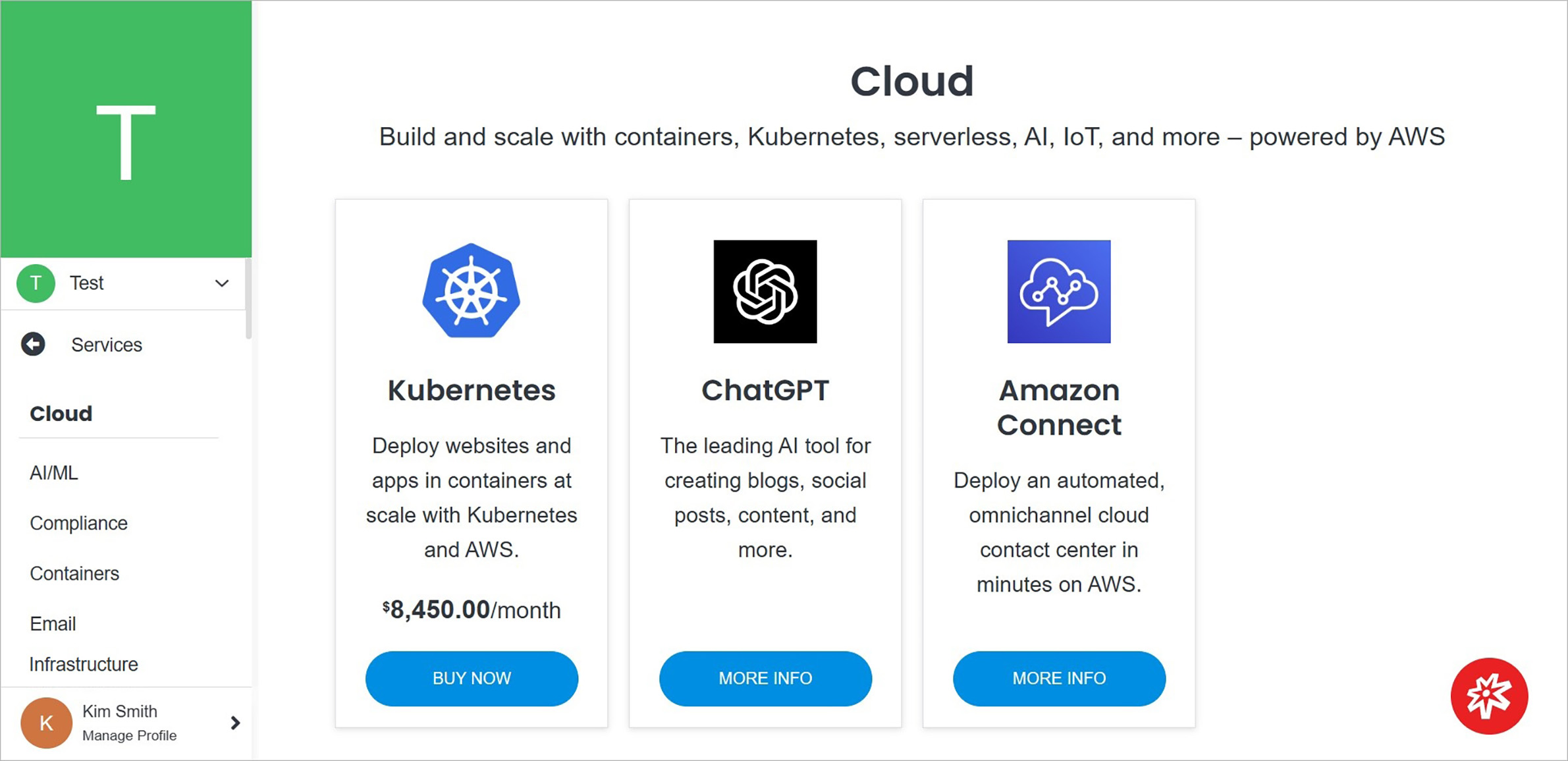
Adding a service in Solodev Cloud is a simple process and can be completed in minutes by following the steps below.
Note:
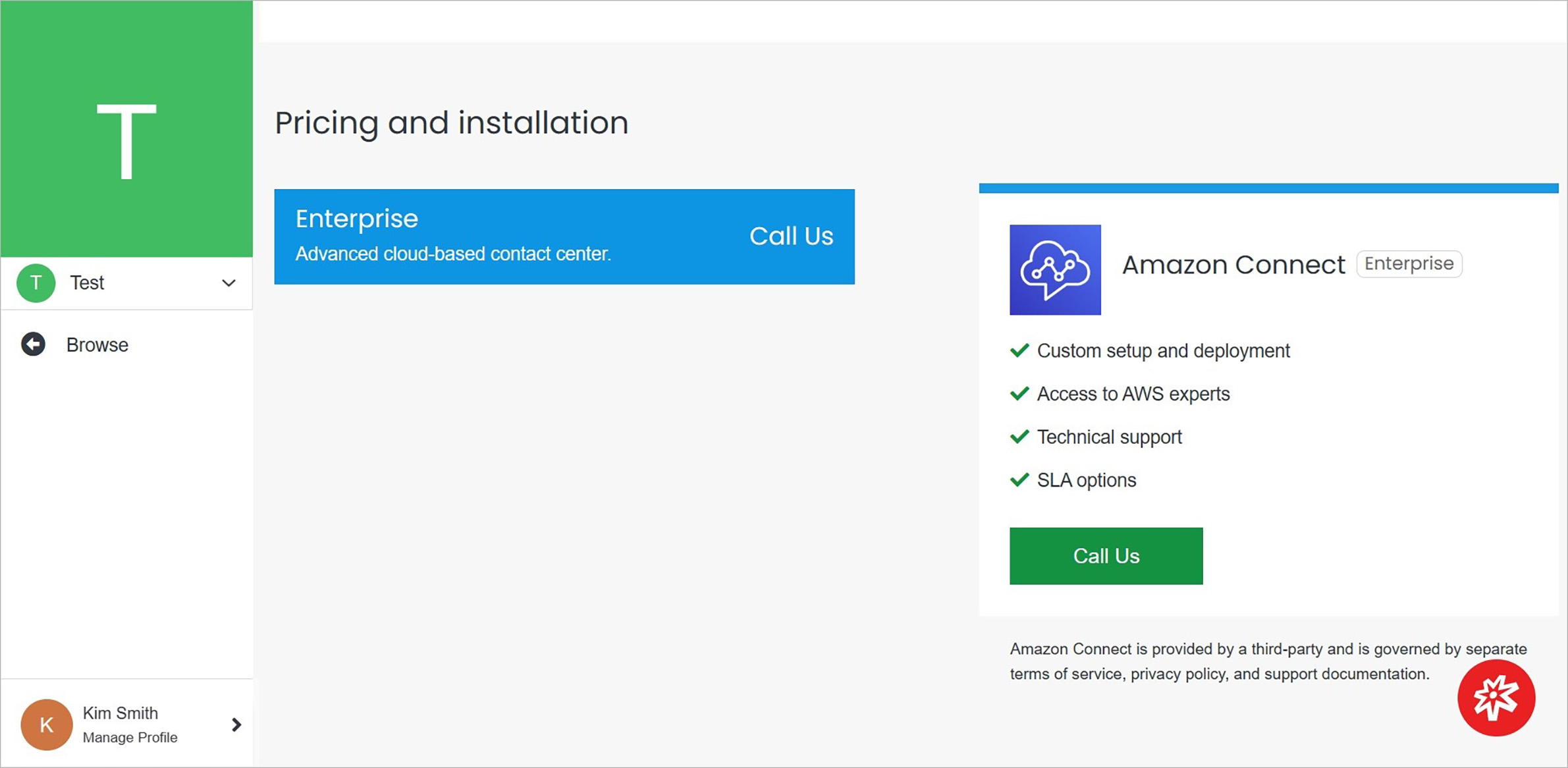
Some products have a purchase option. For others without a purchase option, contact Solodev by filling out the contact form.
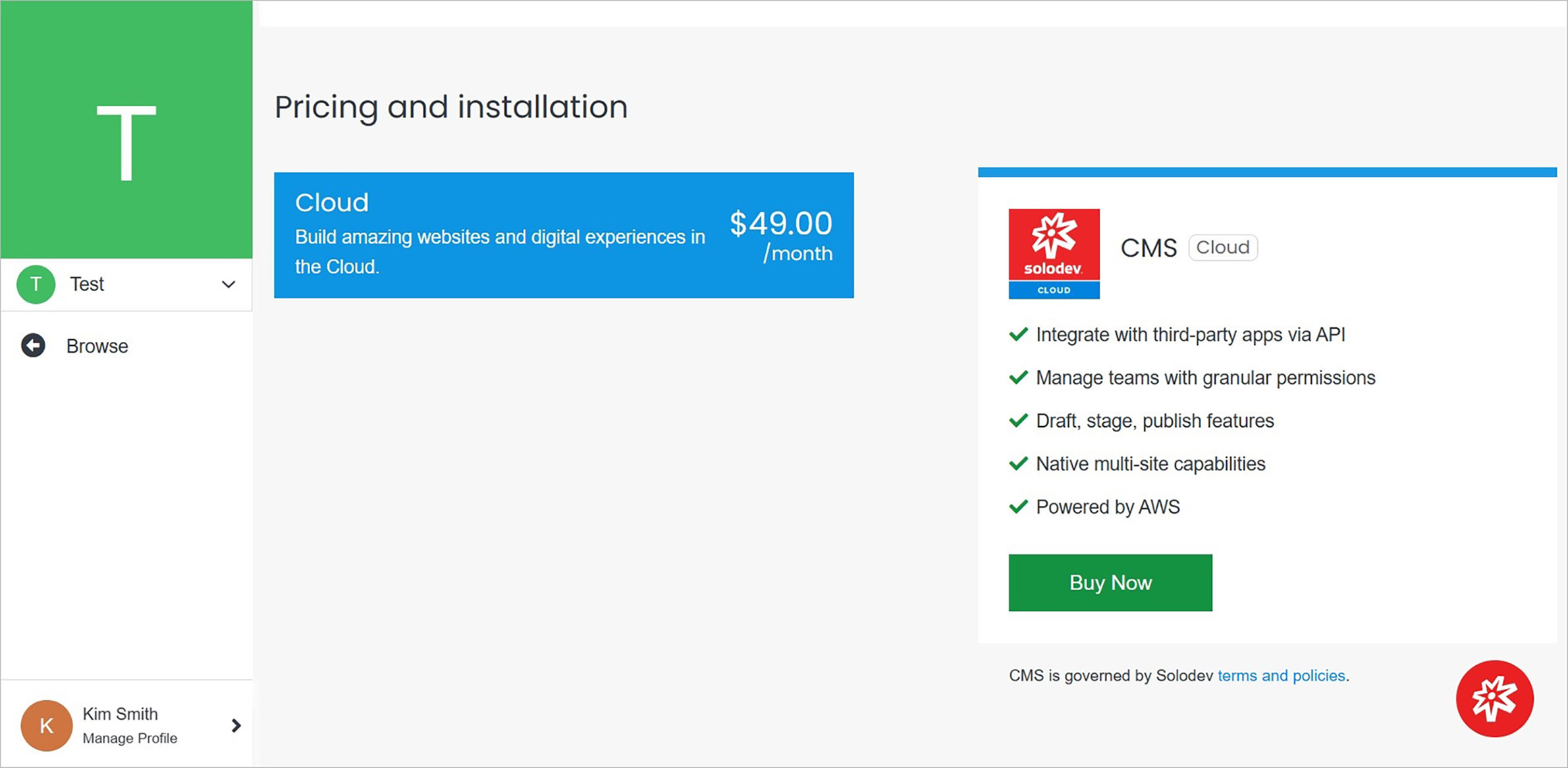
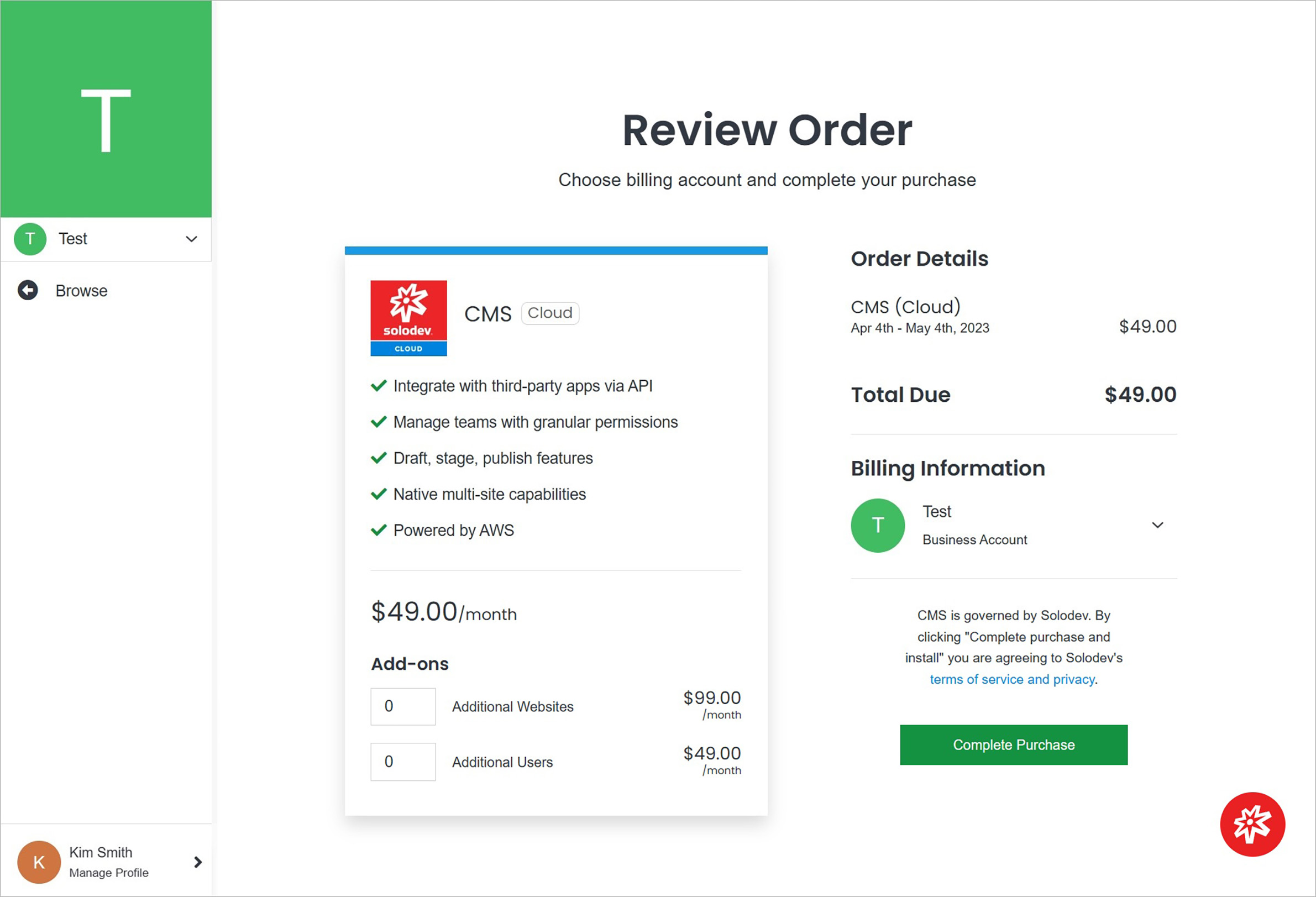
Purchase
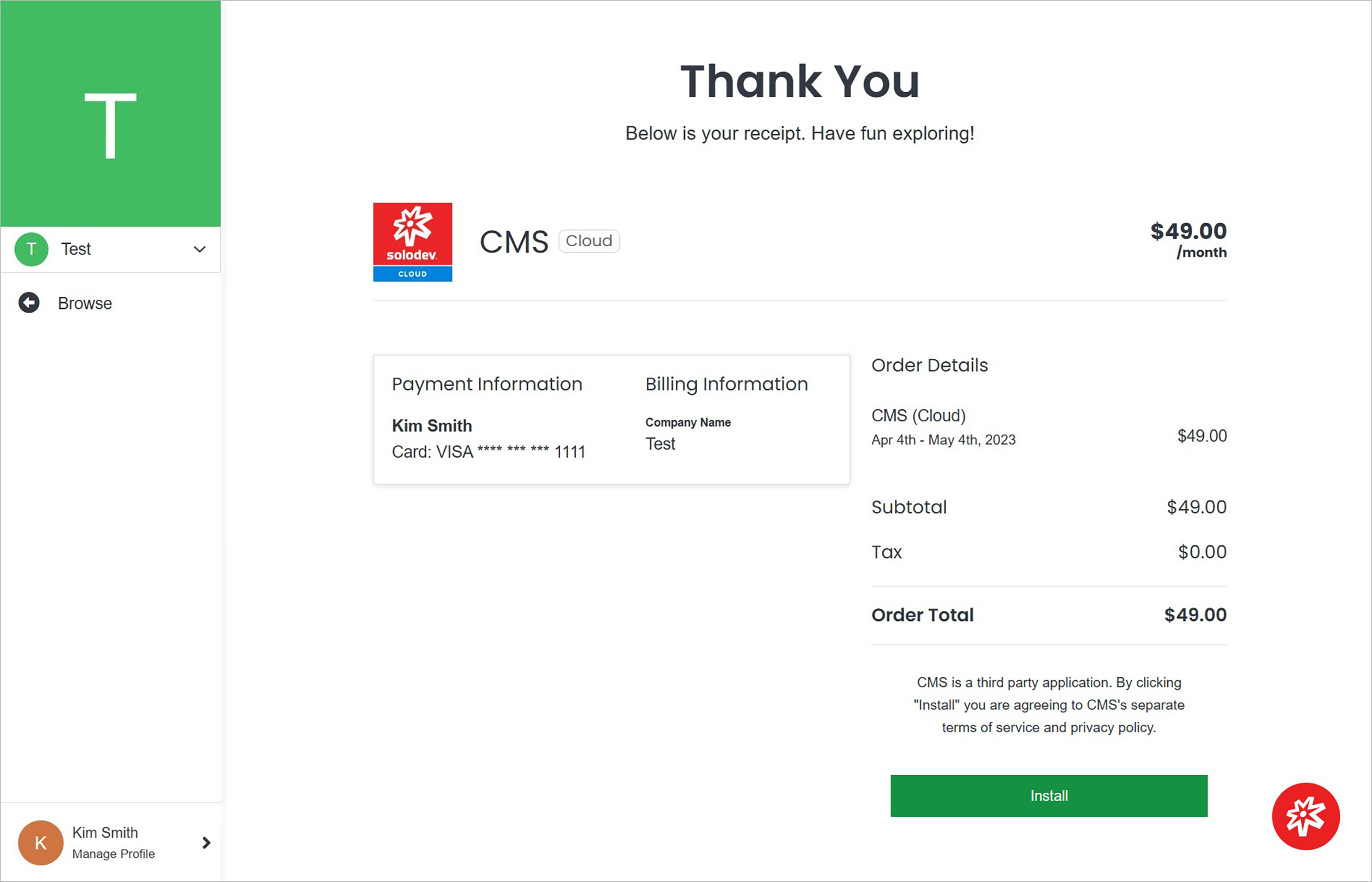
Purchase the selected product.
Note:
The next steps required to install the product depend on its specific characteristics.
Call Us
Ask about the product.
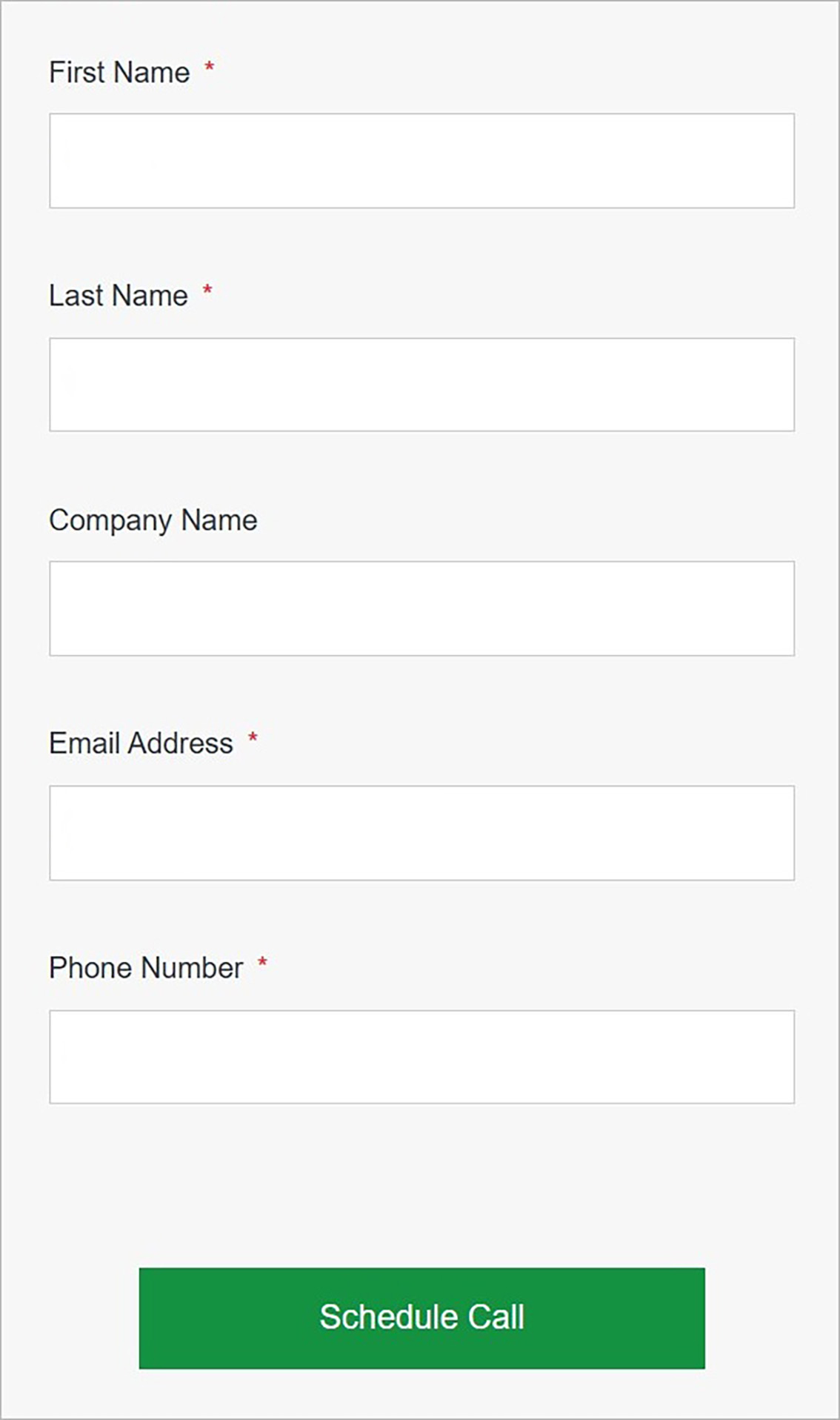
Fill out the contact form.
Confirm
Once you have completed all the fields, click Schedule Call.