
Cloud v1.1
  • Home
  • Cloud
  • CMS
  • AI
  • Blockchain
  • Digital
  • Mobile
Powered by
  1. Welcome
  2. Infrastructure
  3. Deployments
  4. Add Deployment

Add Deployment

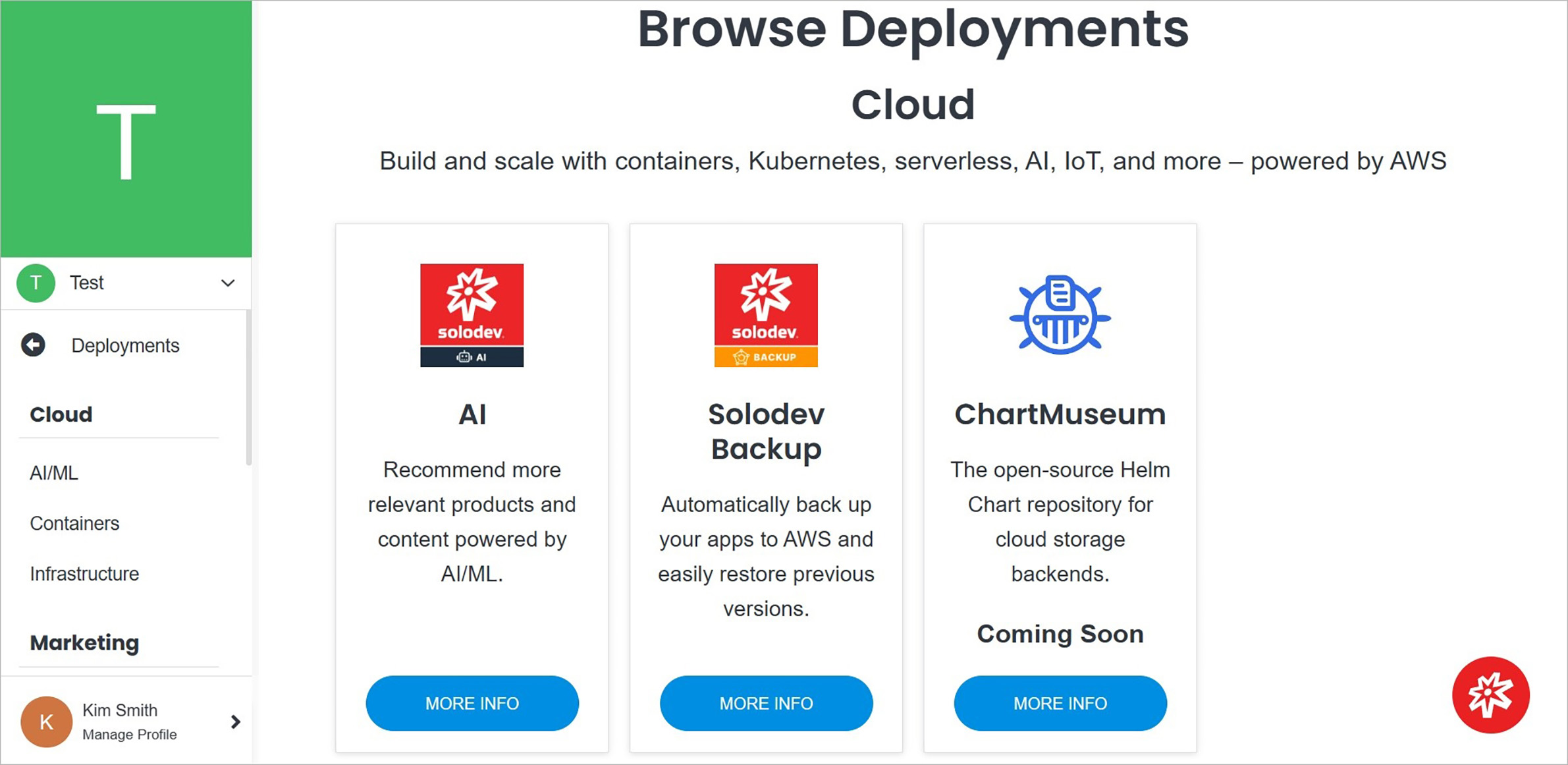
Adding a deployment in Solodev Cloud is a simple process and can be completed in minutes by following the steps below.
adddeployment

Name Description
Product Selection Select the product you are interested in by clicking the blue button on the product card.
Note:

Some products have a purchase option. For others without a purchase option, contact Solodev by filling out the contact form.

Note:

The next steps are presented in the Add Service.

See also

Deployments

Deployments are ideal for high-availability server instances and managing single-tenant applications. Deployments allow you to launch a wide variety of applications with EC2 instances, load balancers, and autoscaling.

Infrastructure Overview

Infrastructure is the core of your builds and is divided into two main groups: Infrastructure and Settings. From the Infrastructure Overview page, you get a high-level overview of your containers and deployments and also access to your settings.

Provider Overview

The Provider Overview page gives you the ability to manage your providers. Do it by updating details, modifying permissions for members, managing deployments, clusters and domains.

Previous Permissions
Next CDN

© Copyright 2026. All rights reserved.