# Overview
Set up a new account in Solodev Cloud or sign in.
 **Name** | **Description**
--- | ---
Sign Up | Create an account.
Sign In | Login to use Solodev Cloud account.
## Sign Up
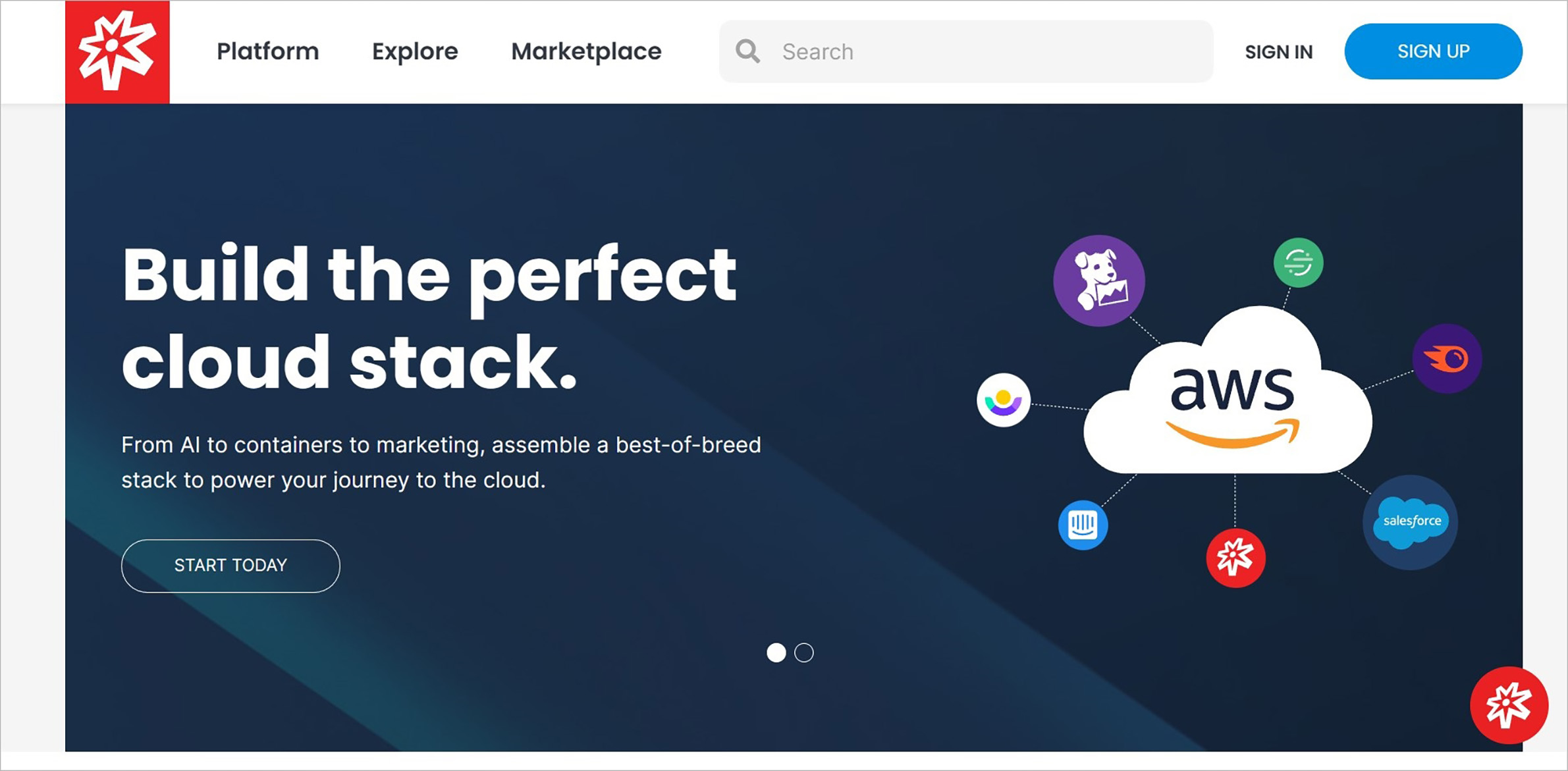
First, set up a new account. Visit [Solodev.com](https://www.solodev.com) and navigate to the **Sign Up** button to the right of the search bar.
**Name** | **Description**
--- | ---
Sign Up | Create an account.
Sign In | Login to use Solodev Cloud account.
## Sign Up
First, set up a new account. Visit [Solodev.com](https://www.solodev.com) and navigate to the **Sign Up** button to the right of the search bar.
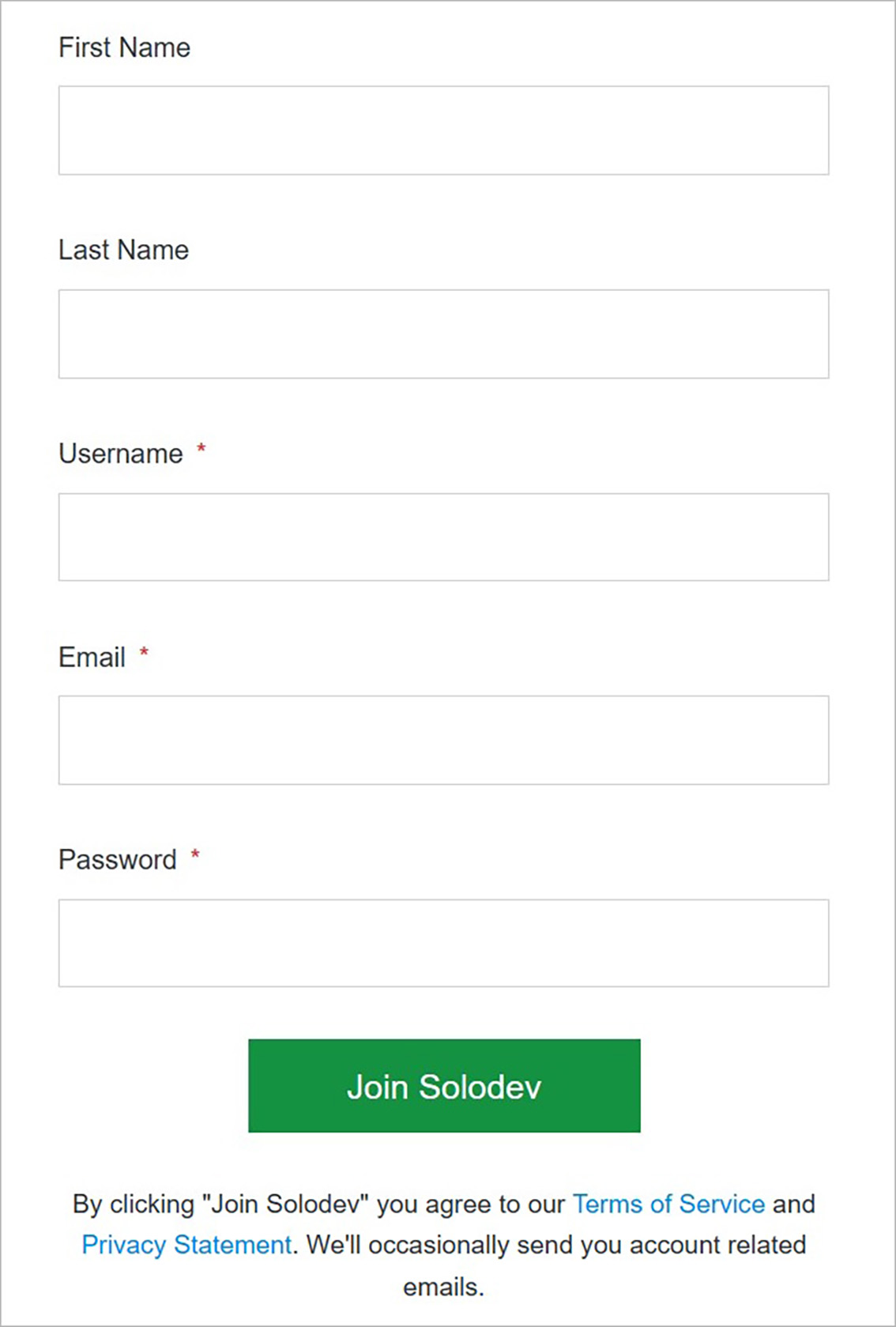
**Name** | **Description**
:--- | ---
First Name | Input the first name associated with your Solodev account.
Last Name | Input the last name associated with your Solodev account.
Username | Create a unique username.
Email | Input the email address where you will receive communications related to your Solodev account.
Password | Create a password following the guidelines pictured above.
!!! Note:
Before hitting the **Join Solodev** button, we ask you to read and review our [Terms of Service](https://www.solodev.com/terms/) and [Privacy Statement](https://www.solodev.com/terms/privacy-policy.stml). Upon acceptance, you will be automatically enrolled in the Free Developer plan.
!!!
### Confirm
Once you have completed all fields, click **Join Solodev** to create your account.
!!! Note:
You will need to wait up to 48 hours for your account to be approved. If you need access sooner than this, please [Contact Us](https://www.solodev.com/contact/).
!!!
## Sign In
Sign into Solodev with your Solodev credentials.
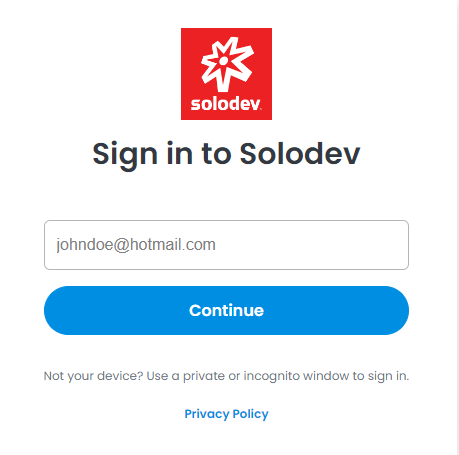
**Name** | **Description**
--- | ---
Username | Enter your username.
Email | Enter your email.
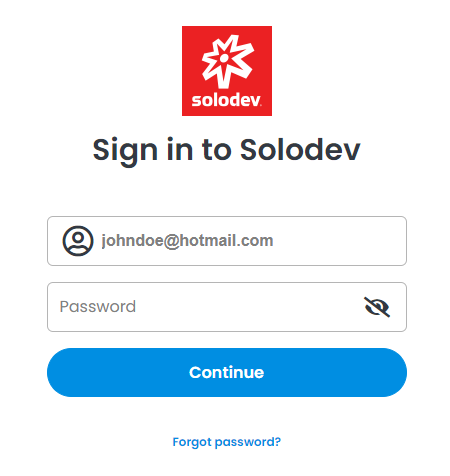
**Name** | **Description**
--- | ---
Password | Enter your password.
Forgot Password? | Use this option if you’re having trouble logging in.
!!!Tip:
If you’re having trouble logging, use the **Forgot Password** link on the screen and follow the steps.
!!!
### Confirm
Once you have completed all the fields, click on **Log In** to sign into Solodev Cloud.
## Forgot Password?
Reset your password using your username or email address.
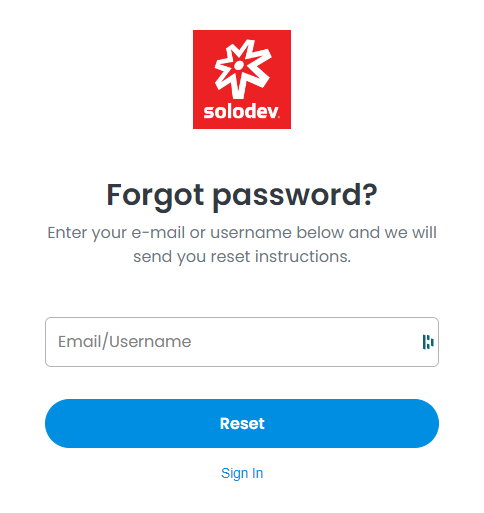
**Name** | **Description**
:--- | ---
Username | Enter your username.
Email | Enter your email.
Sign In | Login to use Solodev Cloud account.
### Confirm
Click the **Reset** button to reset your password.