
Add Cloud Account
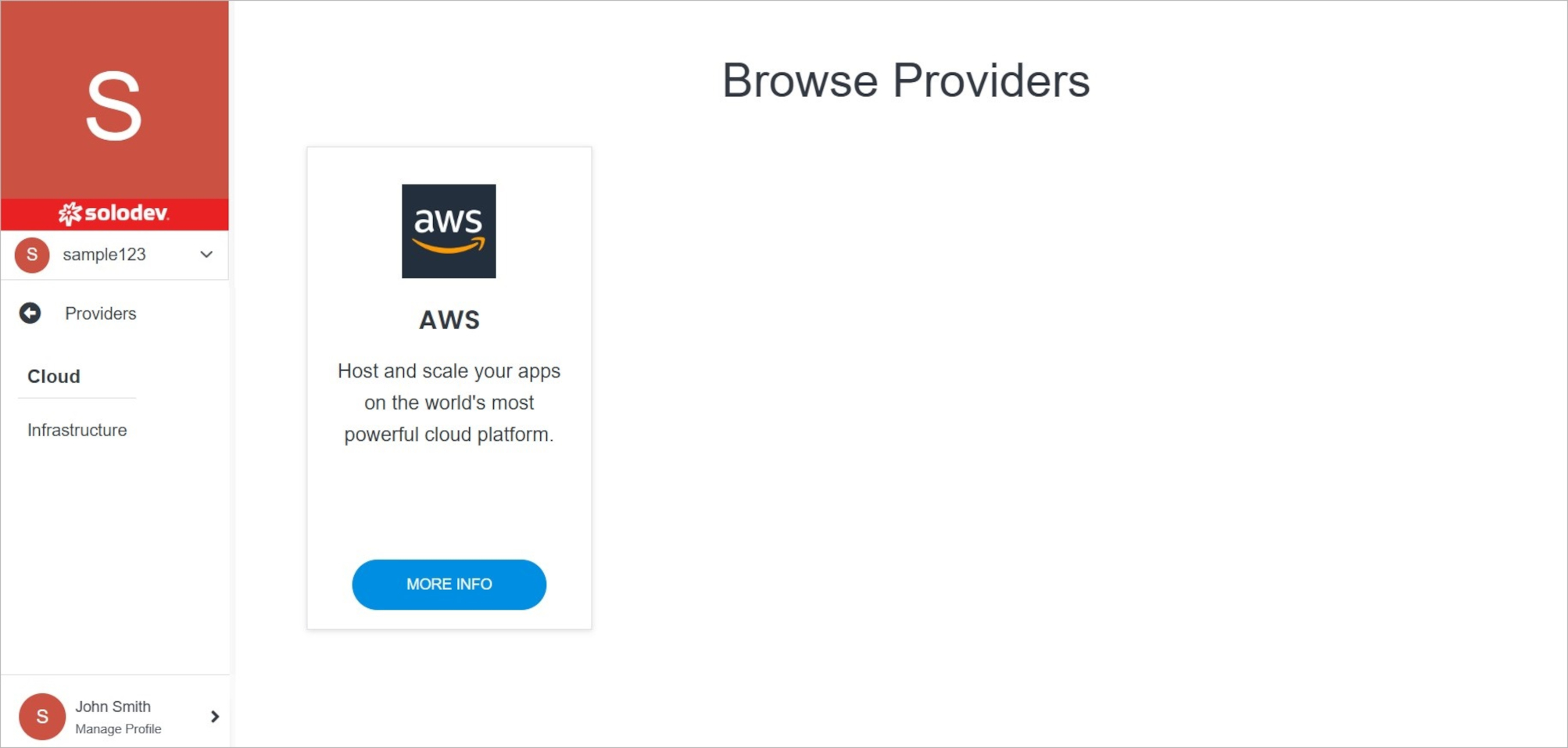
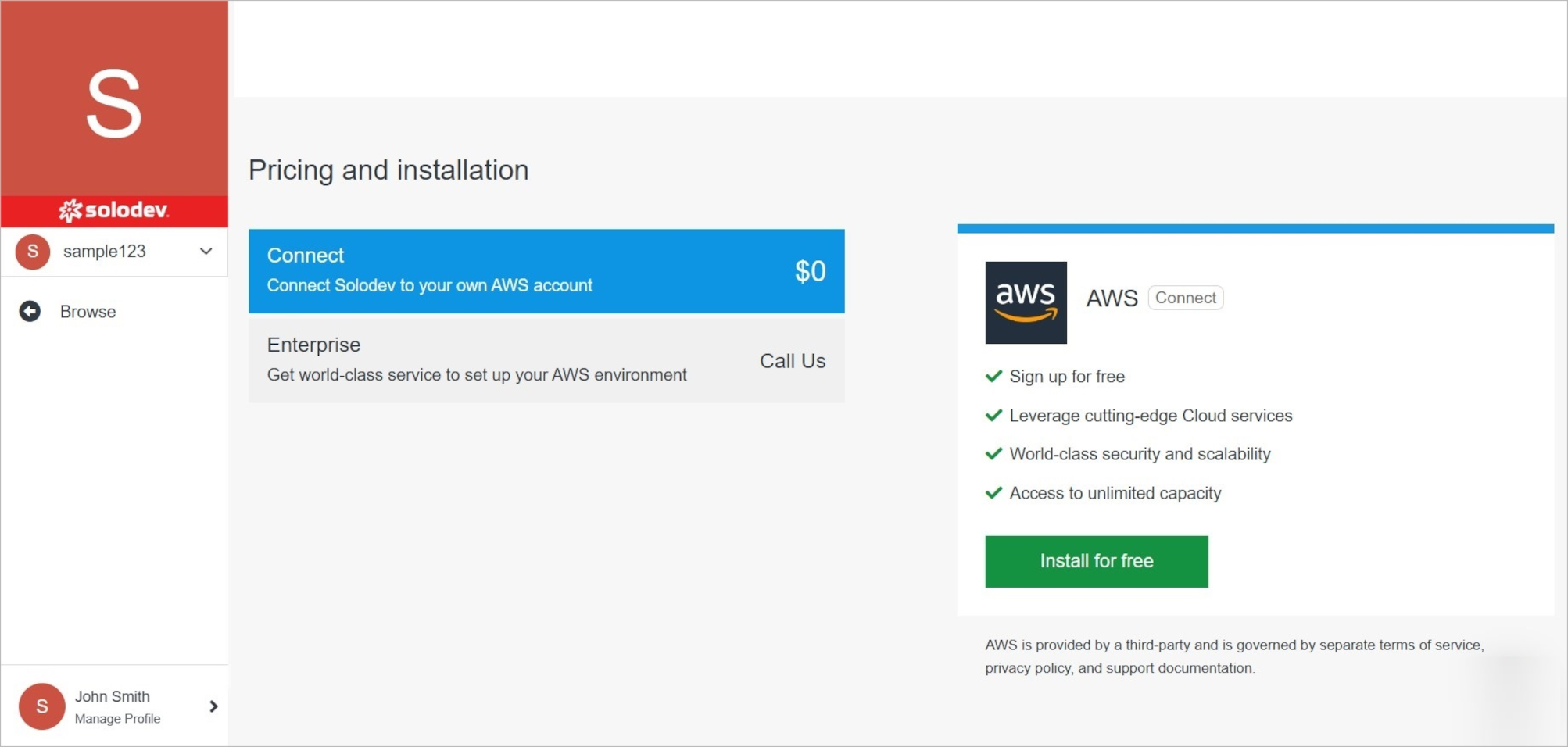
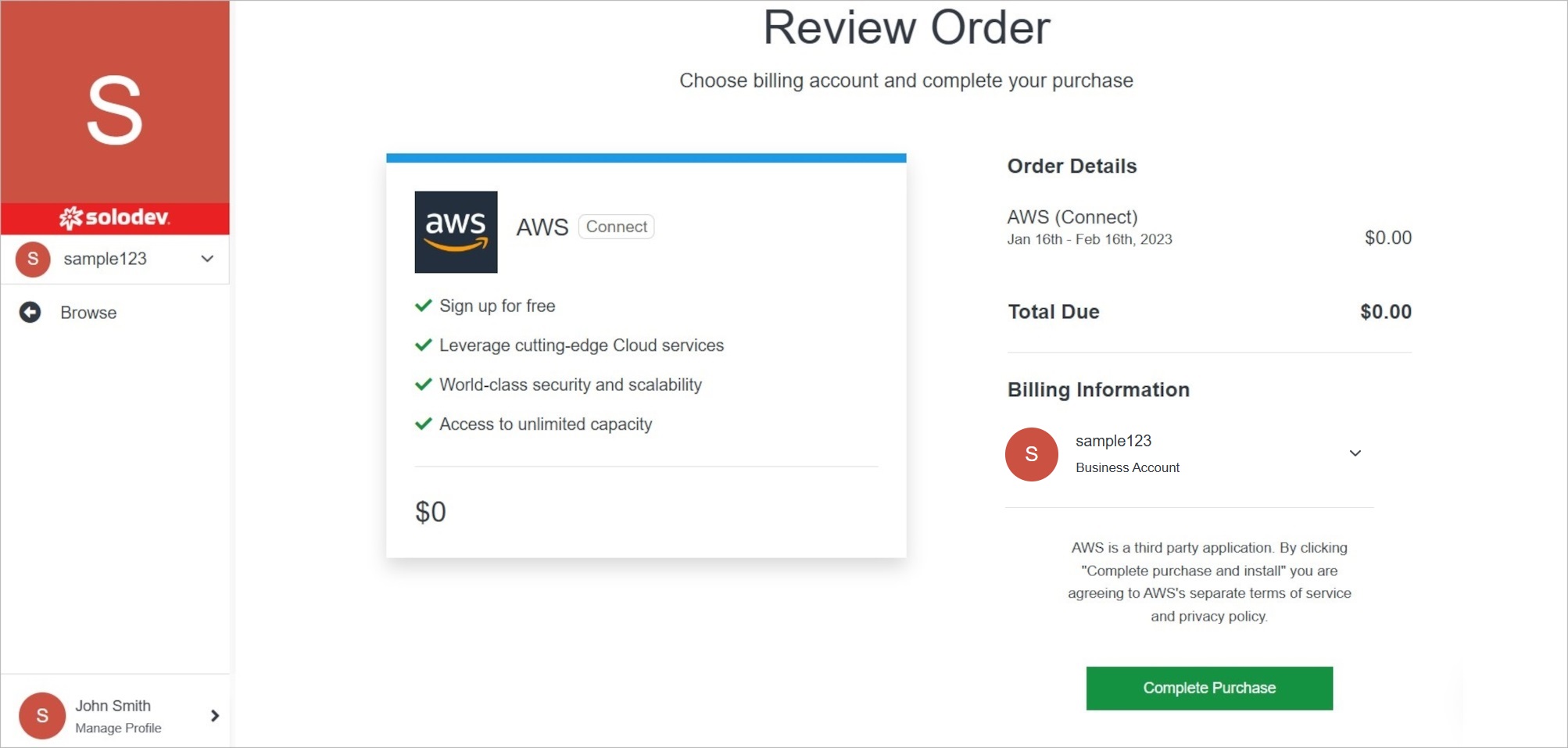
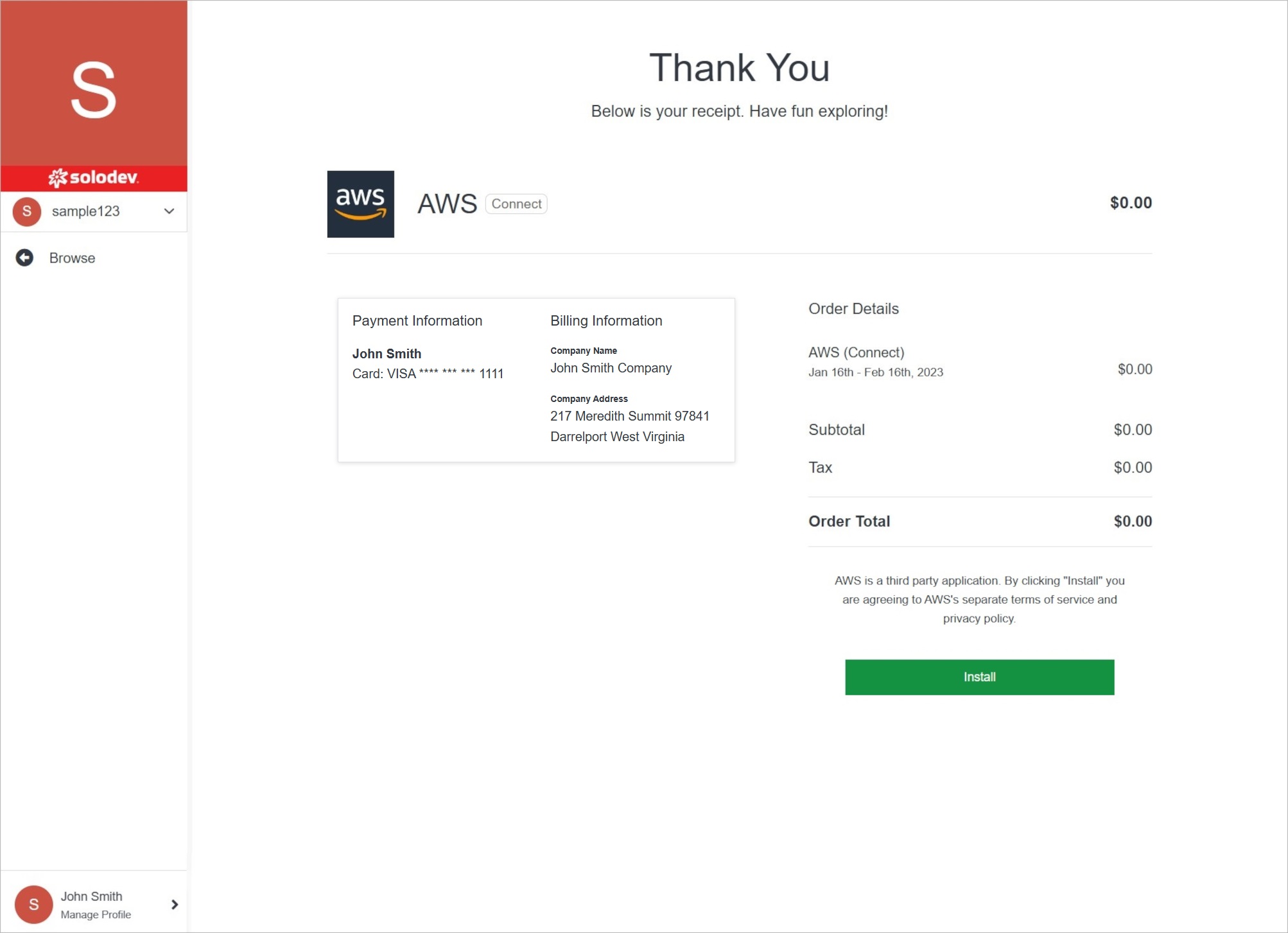
Adding a cloud account in Solodev Cloud is a simple process and can be completed in minutes by following the steps below.
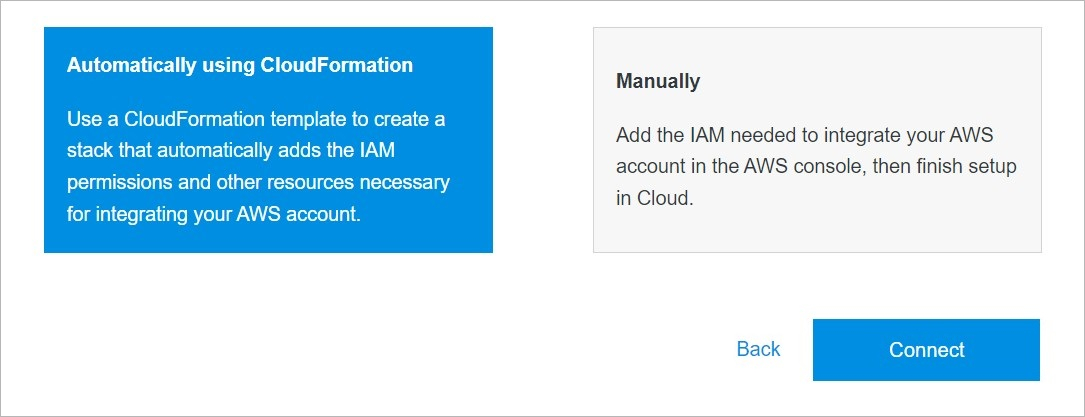
Add Provider Automatically Using AWS CloudFormation
Use the automatic mode.
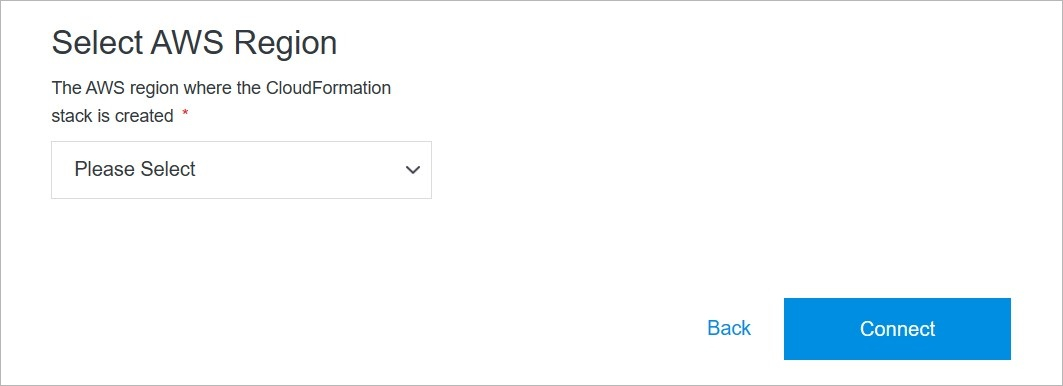
Add Provider Manually
Use the manual mode.
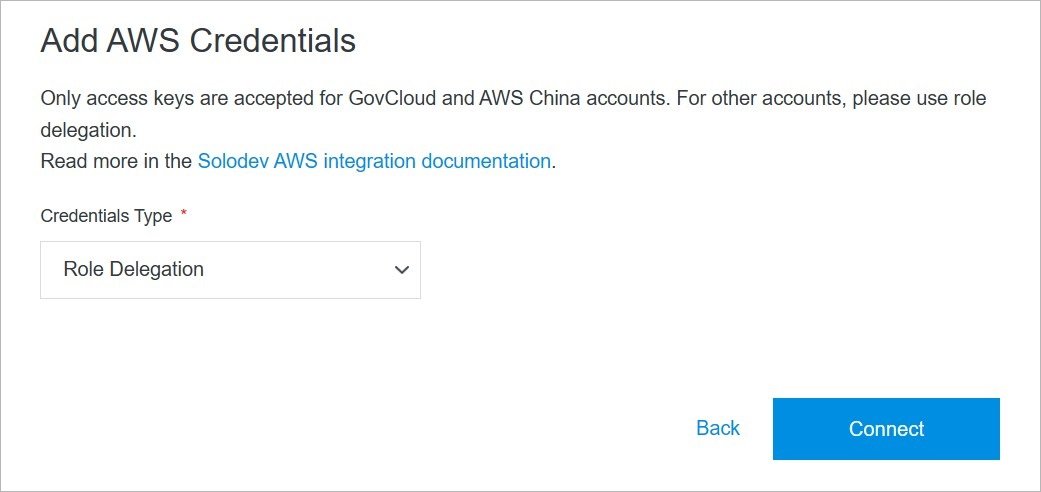
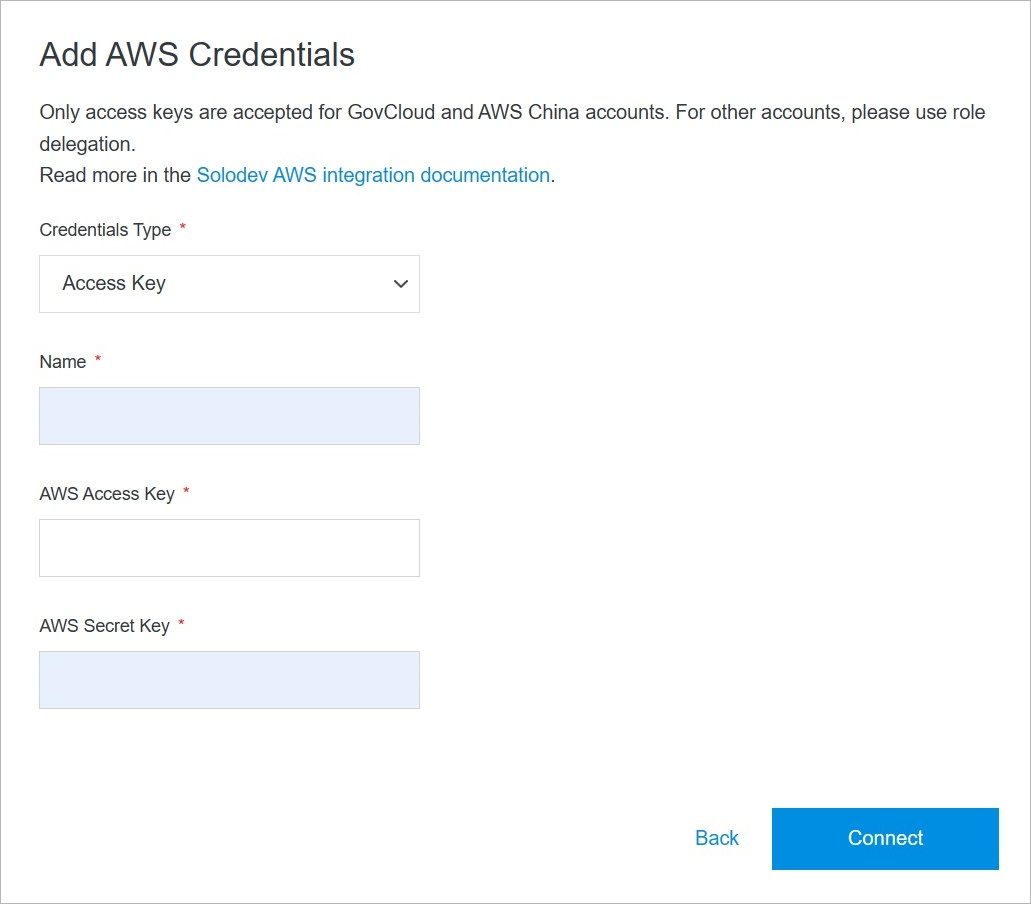
Confirm
Once you have completed all the fields, click Connect to add your cloud account.
Note:
The cloud account addition process may take several minutes to complete after clicking the Connect button. Do not close or quit your browser during this process.