# CDN Behavior Overview
The CDN Behavior Overview page shows you important CDN Behavior details as well as the ability to update your CDN Behavior.
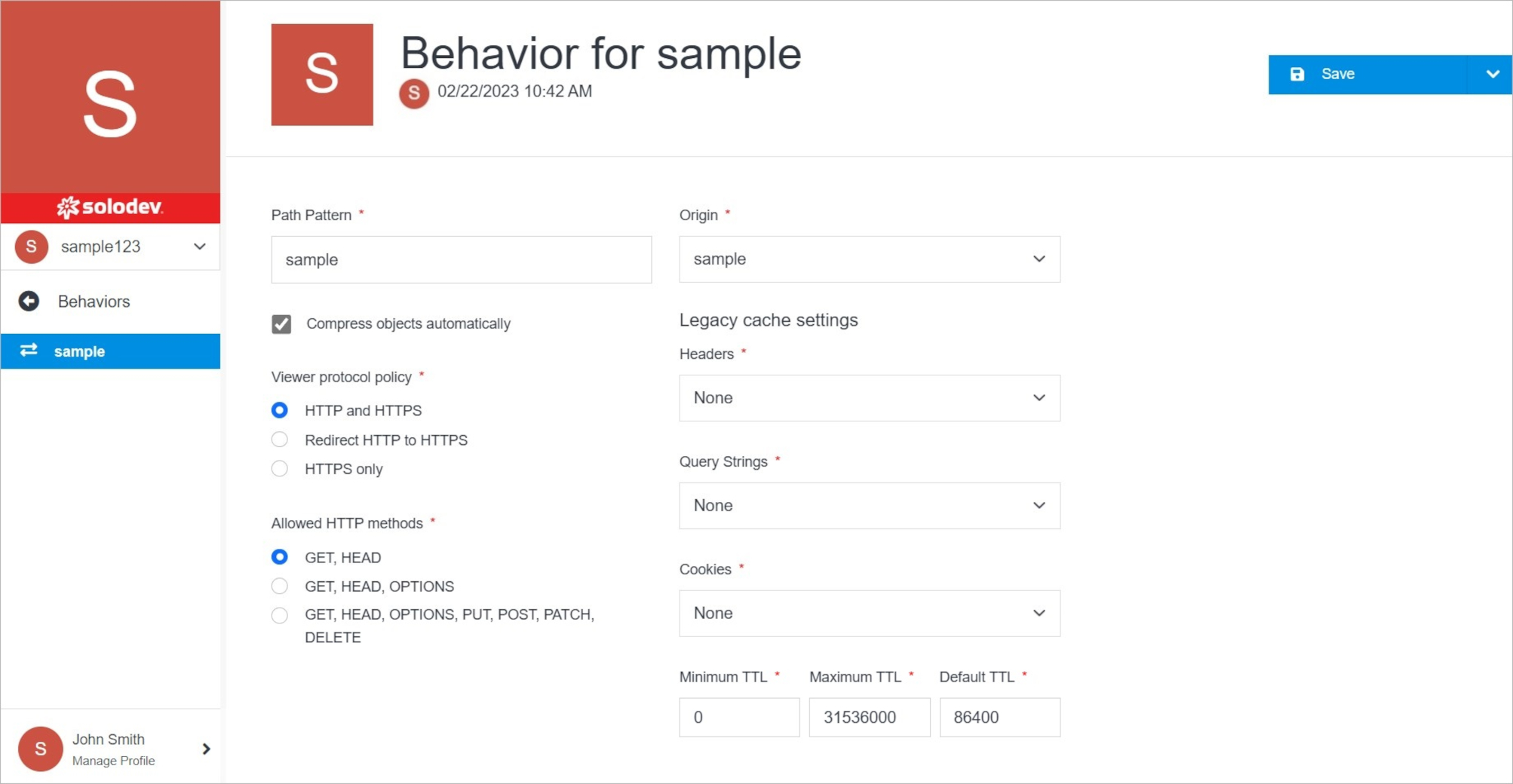 **Name** | **Description**
:--- | ---
Permissions | Manage your permissions.
Delete | Delete your CDN Behavior.
Manage CDN Behavior | Manage your CDN Origin.
## Manage CDN Behavior
Manage CDN Behavior.
**Name** | **Description**
:--- | ---
Permissions | Manage your permissions.
Delete | Delete your CDN Behavior.
Manage CDN Behavior | Manage your CDN Origin.
## Manage CDN Behavior
Manage CDN Behavior.
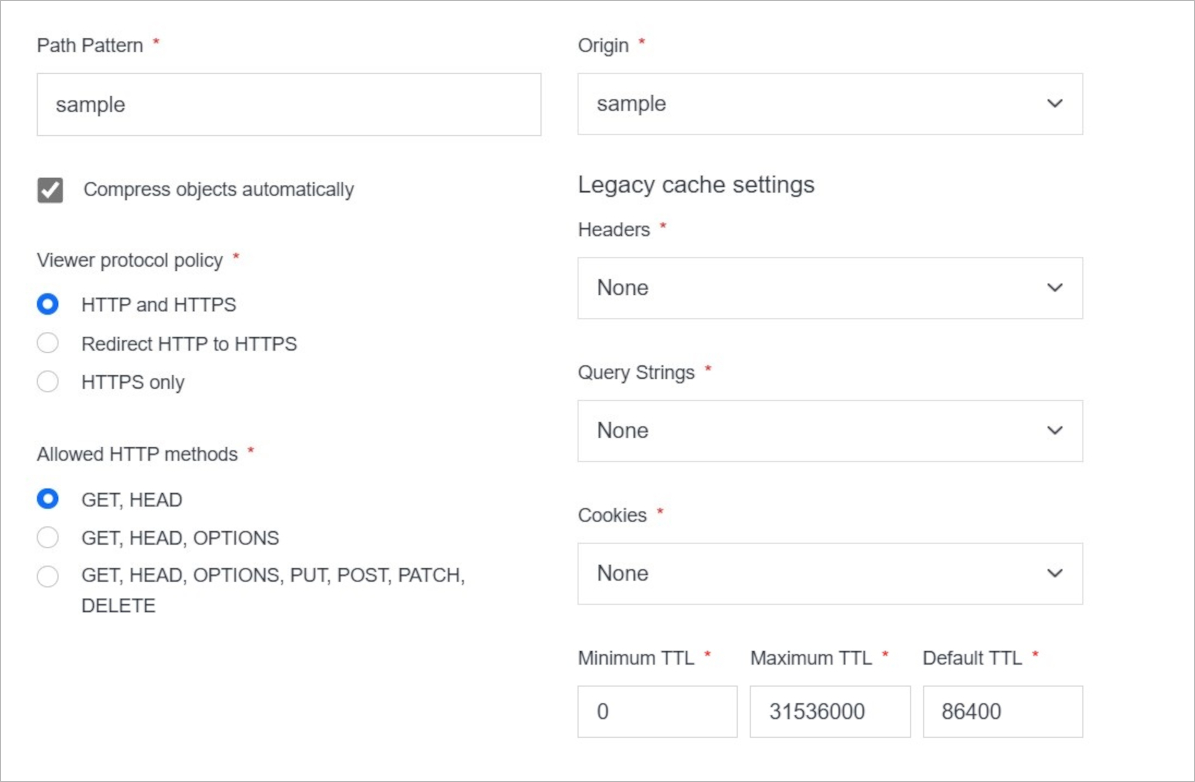 **Name** | **Description**
:--- | ---
Path Pattern | Enter the path pattern.
Compress objects automatically | Mark this option if you want to compress objects automatically.
Viewer protocol policy | Choose viewer protocol policy. You can choose between **HTTP and HTTPS**, **Redirect HTTP to HTTPS**, **HTTPS only**.
Allowed HTTP methods | Choose HTTP methods. You can choose between **GET, HEAD**, **GET, HEAD, OPTIONS**, **GET, HEAD, OPTIONS, PUT, POST, PATCH, DELETE**.
Origin | Choose the origin.
Headers | Choose between option **None** and **All**.
Query Strings | Choose between option **None** and **All**.
Cookies | Choose between option **None** and **All**.
TTL | Define minimum, maximum, and default TTL.
## Confirm
Once you have completed all the fields, click **Save** to apply your changes.
**Name** | **Description**
:--- | ---
Path Pattern | Enter the path pattern.
Compress objects automatically | Mark this option if you want to compress objects automatically.
Viewer protocol policy | Choose viewer protocol policy. You can choose between **HTTP and HTTPS**, **Redirect HTTP to HTTPS**, **HTTPS only**.
Allowed HTTP methods | Choose HTTP methods. You can choose between **GET, HEAD**, **GET, HEAD, OPTIONS**, **GET, HEAD, OPTIONS, PUT, POST, PATCH, DELETE**.
Origin | Choose the origin.
Headers | Choose between option **None** and **All**.
Query Strings | Choose between option **None** and **All**.
Cookies | Choose between option **None** and **All**.
TTL | Define minimum, maximum, and default TTL.
## Confirm
Once you have completed all the fields, click **Save** to apply your changes.