# Profile
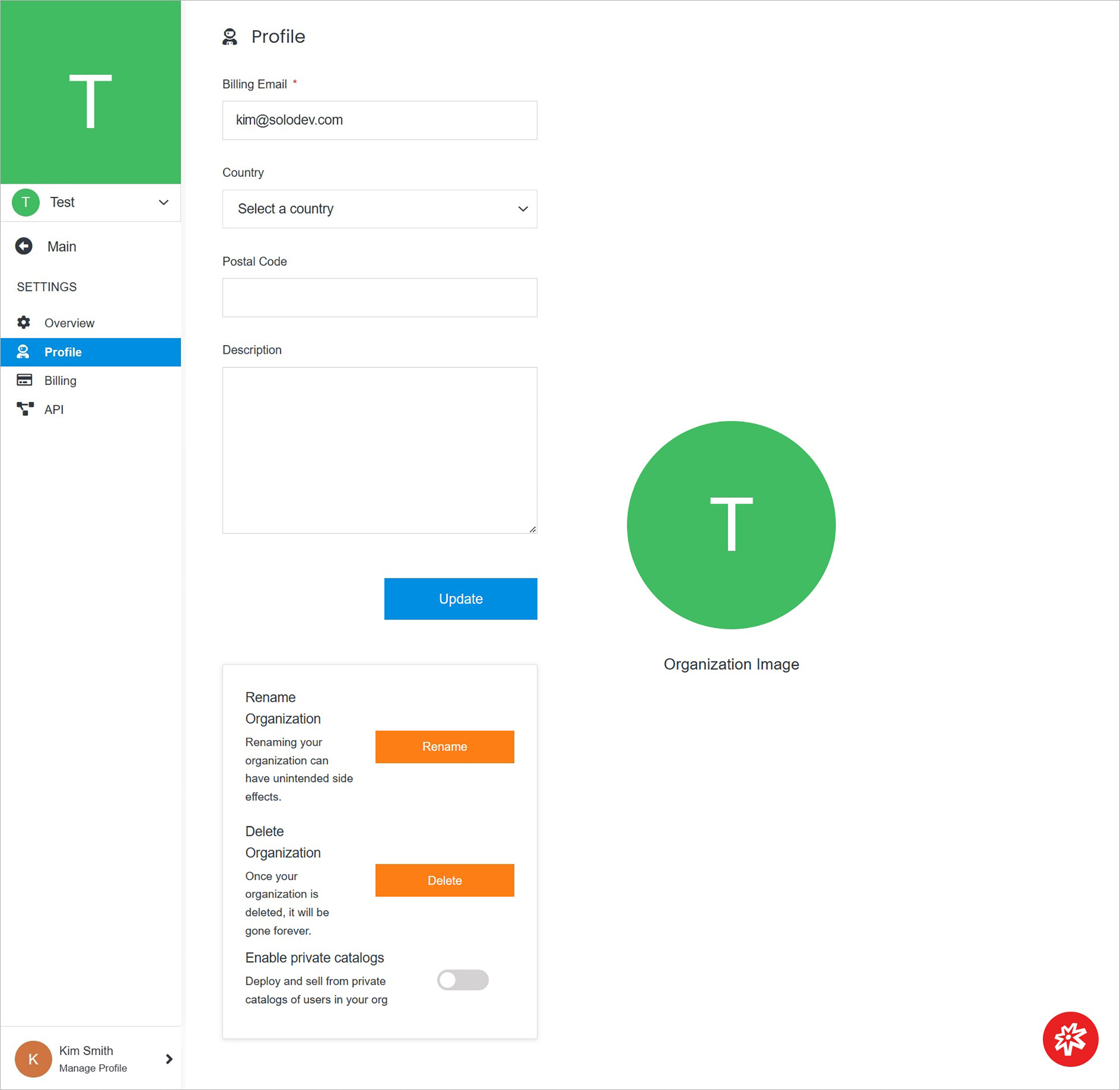
Update your organization on the Profile page by providing a new billing email, country, postal code, or description.
 !!!Note:
URLs used to log in to an instance of Solodev installed within an organization change whenever the administrator changes the name of the organization.
Deployments, websites, clusters, and applications installed within an organization are deleted whenever the administrator deletes an organization.
!!!
**Name** | **Description**
:--- | ---
Update Organization Profile Details | Manage organization profile details such as billing email.
Manage Organization | Manage organization - rename or delete it and more.
Organization Image | Manage organization image.
## Update Organization Profile Details
Update organization profile details.
!!!Note:
URLs used to log in to an instance of Solodev installed within an organization change whenever the administrator changes the name of the organization.
Deployments, websites, clusters, and applications installed within an organization are deleted whenever the administrator deletes an organization.
!!!
**Name** | **Description**
:--- | ---
Update Organization Profile Details | Manage organization profile details such as billing email.
Manage Organization | Manage organization - rename or delete it and more.
Organization Image | Manage organization image.
## Update Organization Profile Details
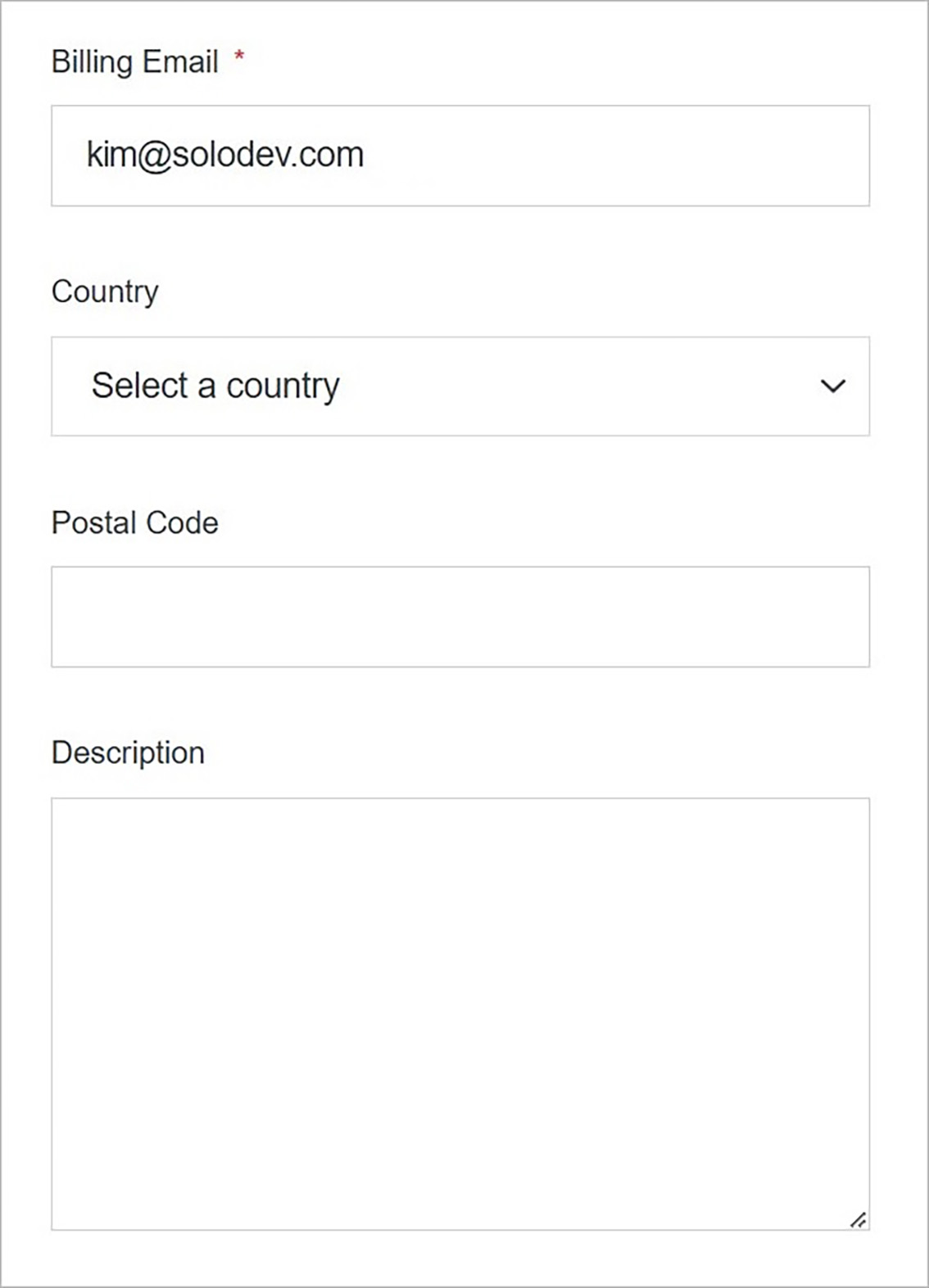
Update organization profile details.
 **Name** | **Description**
:--- | ---
Billing Email | Enter the billing email you want to assign to the organization.
Country | Select the country.
Postal Code | Enter the postal code.
Description | Enter the intro.
## Manage Organization
Manage the organization.
**Name** | **Description**
:--- | ---
Billing Email | Enter the billing email you want to assign to the organization.
Country | Select the country.
Postal Code | Enter the postal code.
Description | Enter the intro.
## Manage Organization
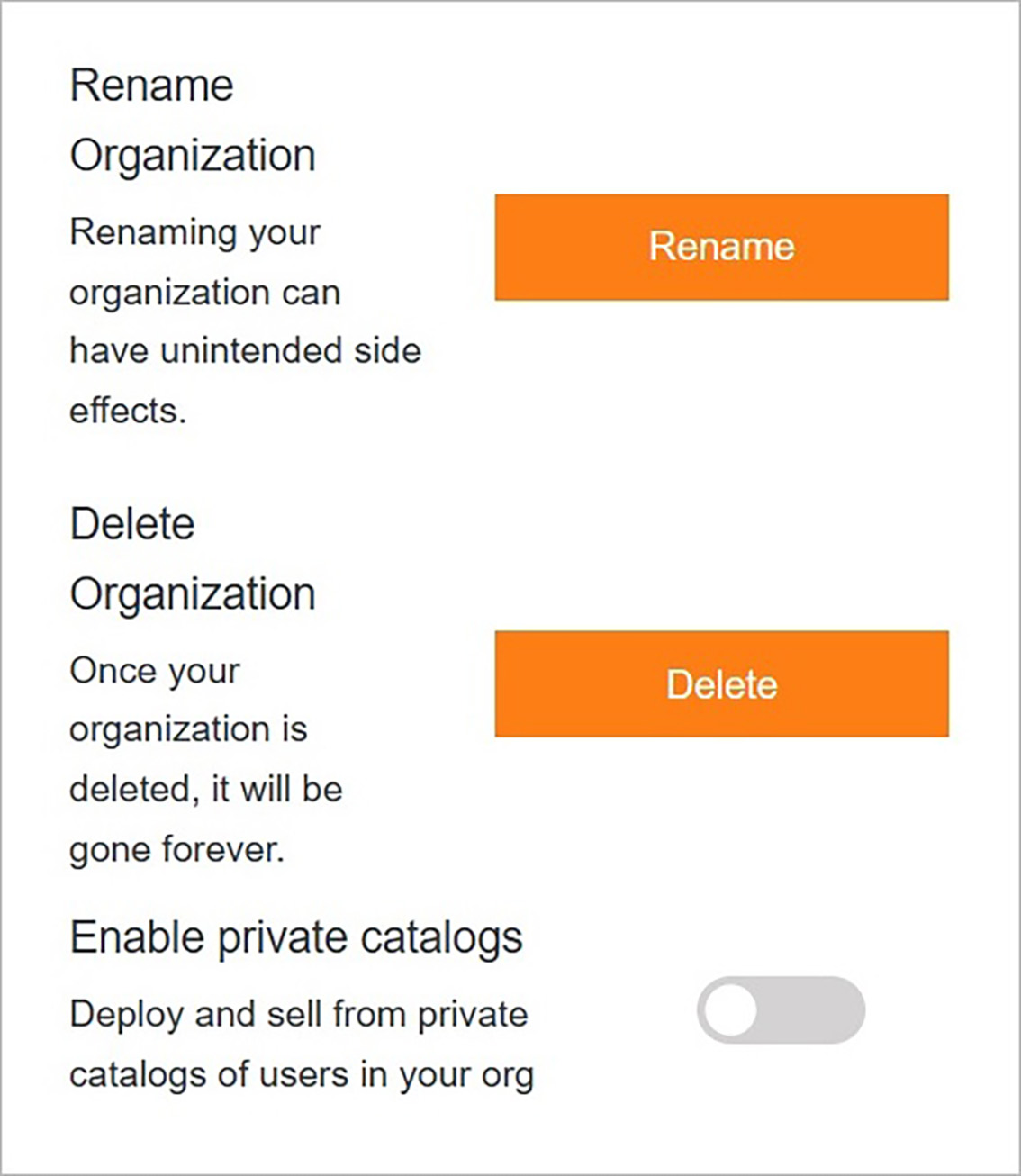
Manage the organization.
 **Name** | **Description**
:--- | ---
Rename Organization | Rename the organization.
Delete Organization | Delete the organization.
Enable private catalogs | Deploy and sell from private catalogs of users in your organization.
## Organization Image
Create and manage the organization image.
**Name** | **Description**
:--- | ---
Rename Organization | Rename the organization.
Delete Organization | Delete the organization.
Enable private catalogs | Deploy and sell from private catalogs of users in your organization.
## Organization Image
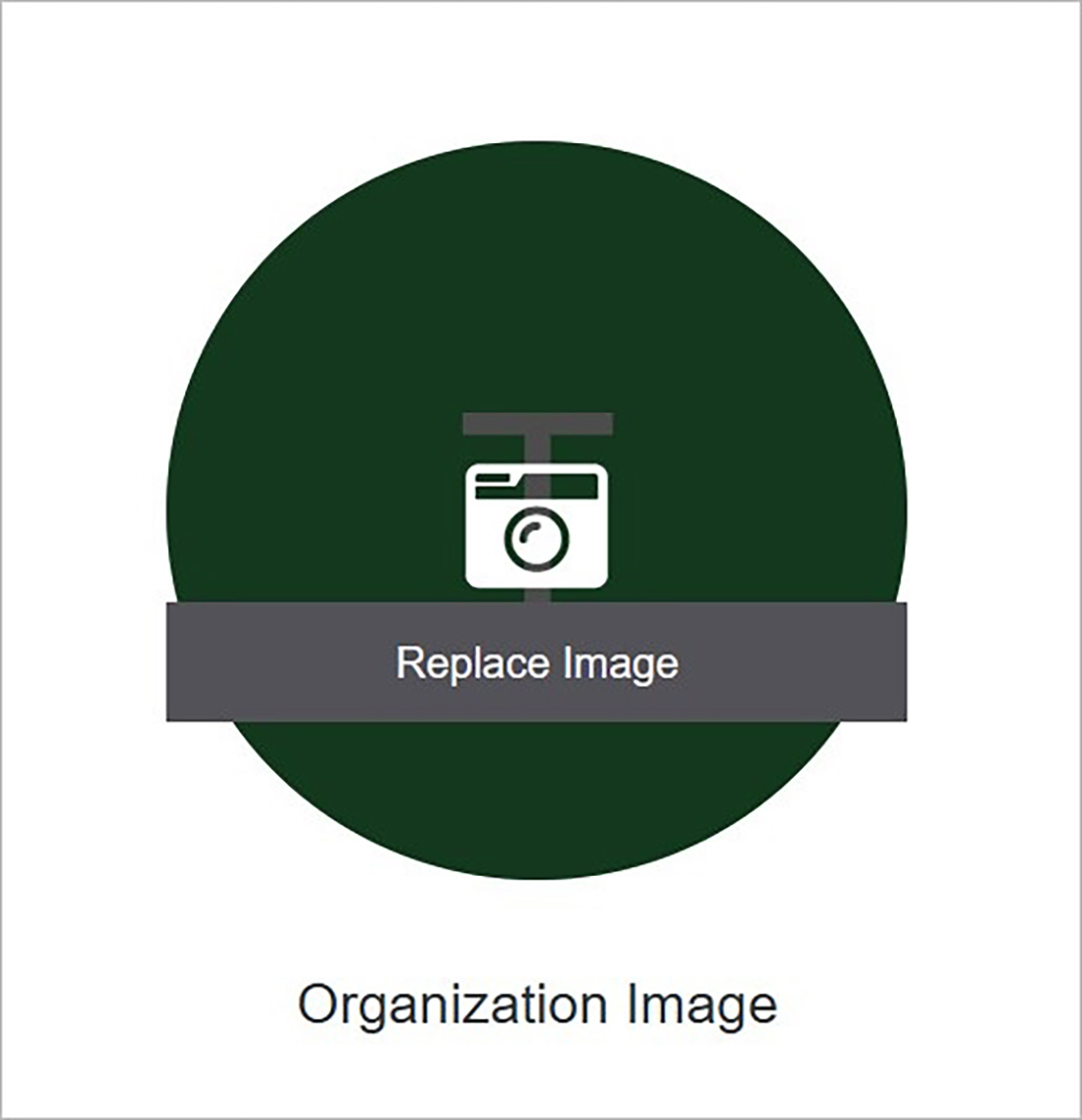
Create and manage the organization image.
 **Name** | **Description**
:--- | ---
Replace Image | Add an image by clicking **Replace Image** and choosing the file from your computer.
## Confirm
Once you have completed all the fields, click **Submit** to apply your changes.
**Name** | **Description**
:--- | ---
Replace Image | Add an image by clicking **Replace Image** and choosing the file from your computer.
## Confirm
Once you have completed all the fields, click **Submit** to apply your changes.