# API Tokens
An API token is similar to a password and allows you to authenticate to Dataverse Software APIs to perform actions as you. Many Dataverse Software APIs require the use of an API token.
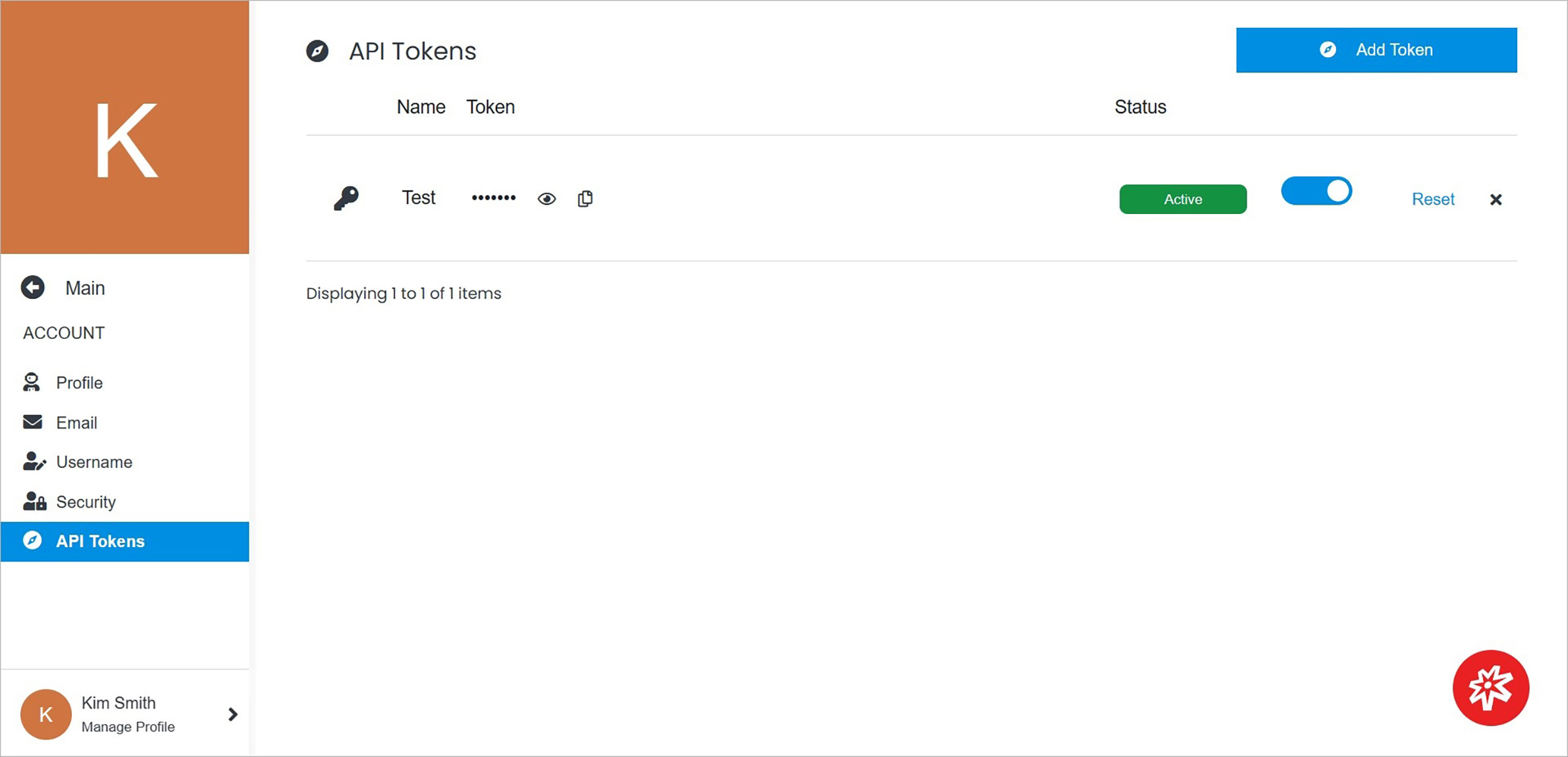
Existing tokens are listed in the table on the dashboard. Each token is shown with details such as name, the key that can be previewed using the eye icon, and status.
 **Name** | **Description**
:--- | ---
Add Token | Add a new API token.
Change Token Status | Change API token status to **Active** or **Inactive** by clicking on the round button.
Reset | Reset an API token.
Delete | Remove an API token by clicking the **x** on the right side of the table.
**Name** | **Description**
:--- | ---
Add Token | Add a new API token.
Change Token Status | Change API token status to **Active** or **Inactive** by clicking on the round button.
Reset | Reset an API token.
Delete | Remove an API token by clicking the **x** on the right side of the table.