# Profile
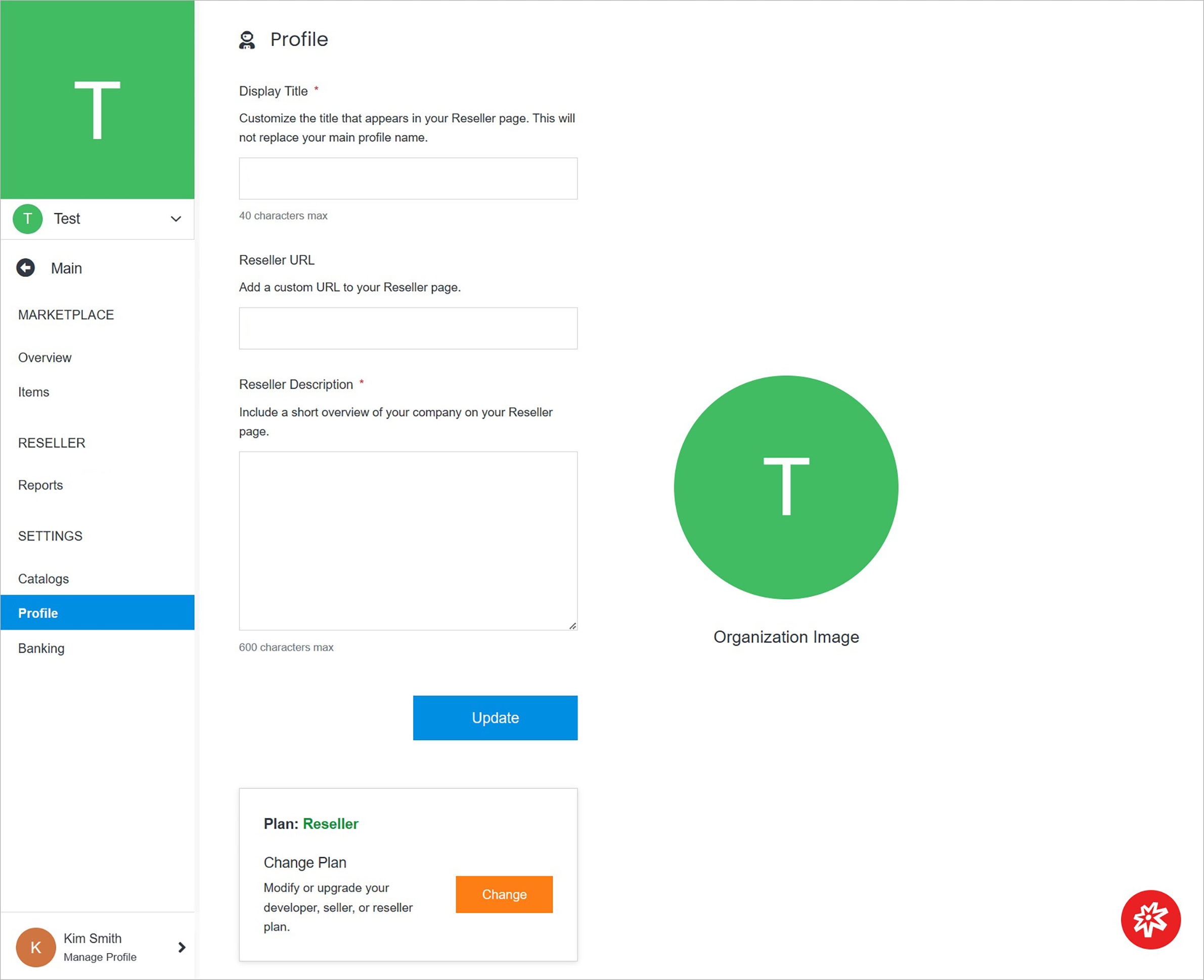
Update your profile in several areas, such as the update of your organization title or changing your organization's plan.
 **Name** | **Description**
:--- | ---
Profile Information | Update your profile's details.
Organization Image | Update your organization image.
Allow catalog access | Mark this option to enable other users to install your private catalog items from any organization you are a part of.
Change Plan | Change your organization's plan.
## Profile Information
Manage the profile information.
**Name** | **Description**
:--- | ---
Profile Information | Update your profile's details.
Organization Image | Update your organization image.
Allow catalog access | Mark this option to enable other users to install your private catalog items from any organization you are a part of.
Change Plan | Change your organization's plan.
## Profile Information
Manage the profile information.
 **Name** | **Description**
:--- | ---
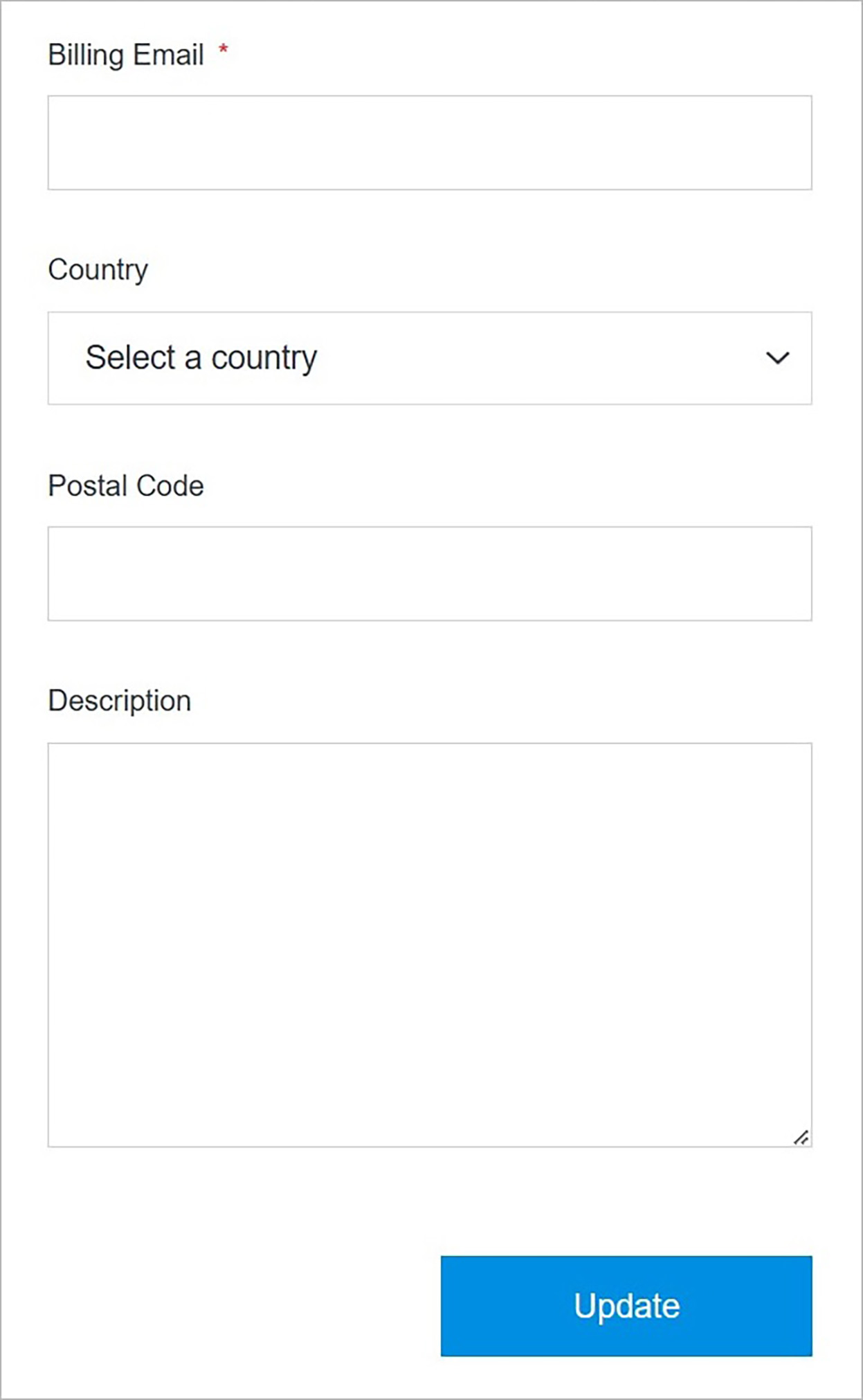
Title | Enter the title that is displayed on your Developer page.
Developer URL | Add a custom URL to your Developer page.
Developer Description | Enter the description of your company that is displayed on your Developer page.
!!!Note:
The fields above can differ dependently on the selected plan.
!!!
## Organization Image
Create and manage the organization image.
**Name** | **Description**
:--- | ---
Title | Enter the title that is displayed on your Developer page.
Developer URL | Add a custom URL to your Developer page.
Developer Description | Enter the description of your company that is displayed on your Developer page.
!!!Note:
The fields above can differ dependently on the selected plan.
!!!
## Organization Image
Create and manage the organization image.
 **Name** | **Description**
:--- | ---
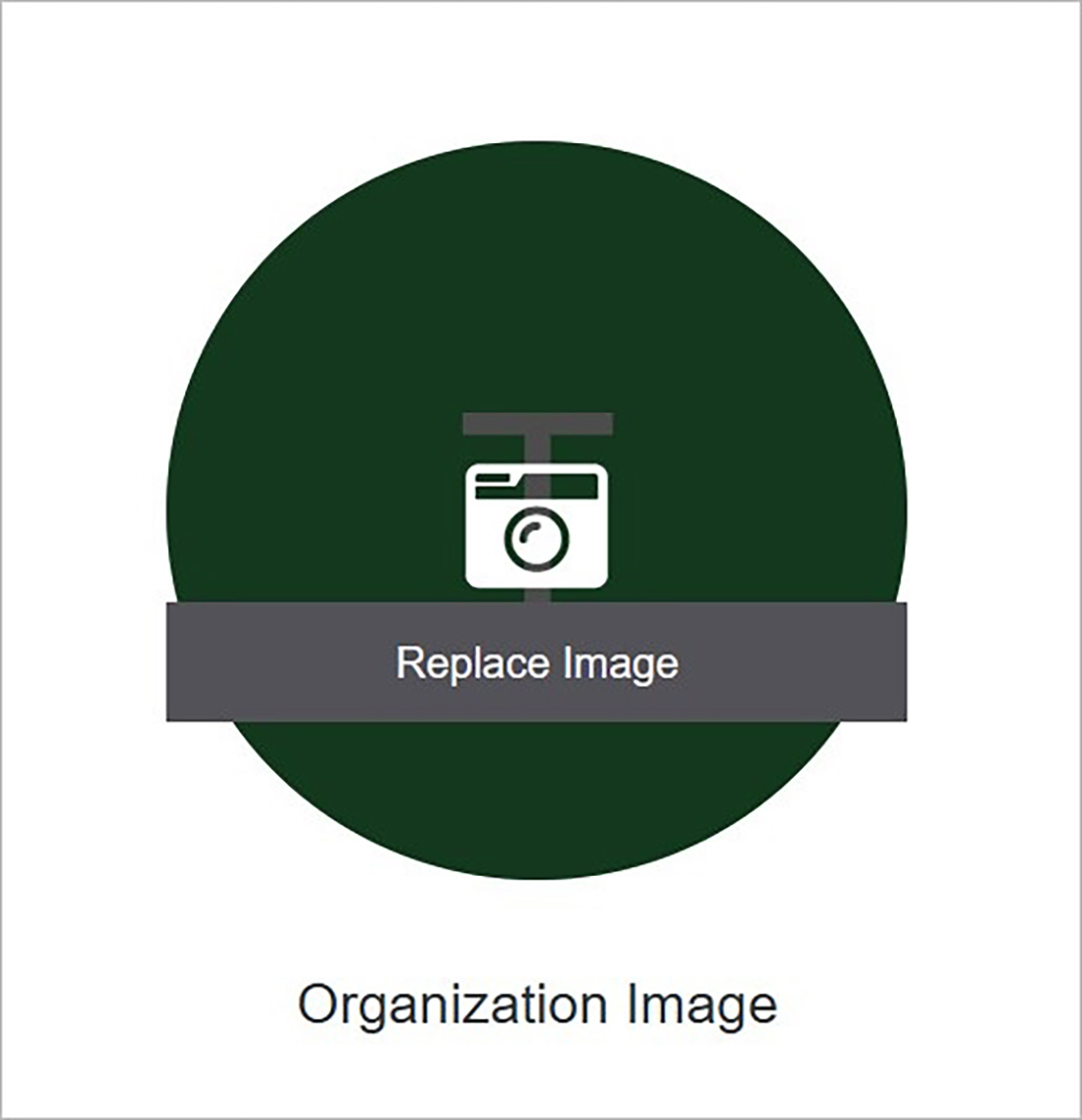
Replace Image | Add an image by clicking **Replace Image** and choosing the file from your computer.
## Confirm
Once you have completed all the fields, click **Submit** to apply your changes.
**Name** | **Description**
:--- | ---
Replace Image | Add an image by clicking **Replace Image** and choosing the file from your computer.
## Confirm
Once you have completed all the fields, click **Submit** to apply your changes.