# Version Overview
Manage your item versions by managing its details and statuses, and more.
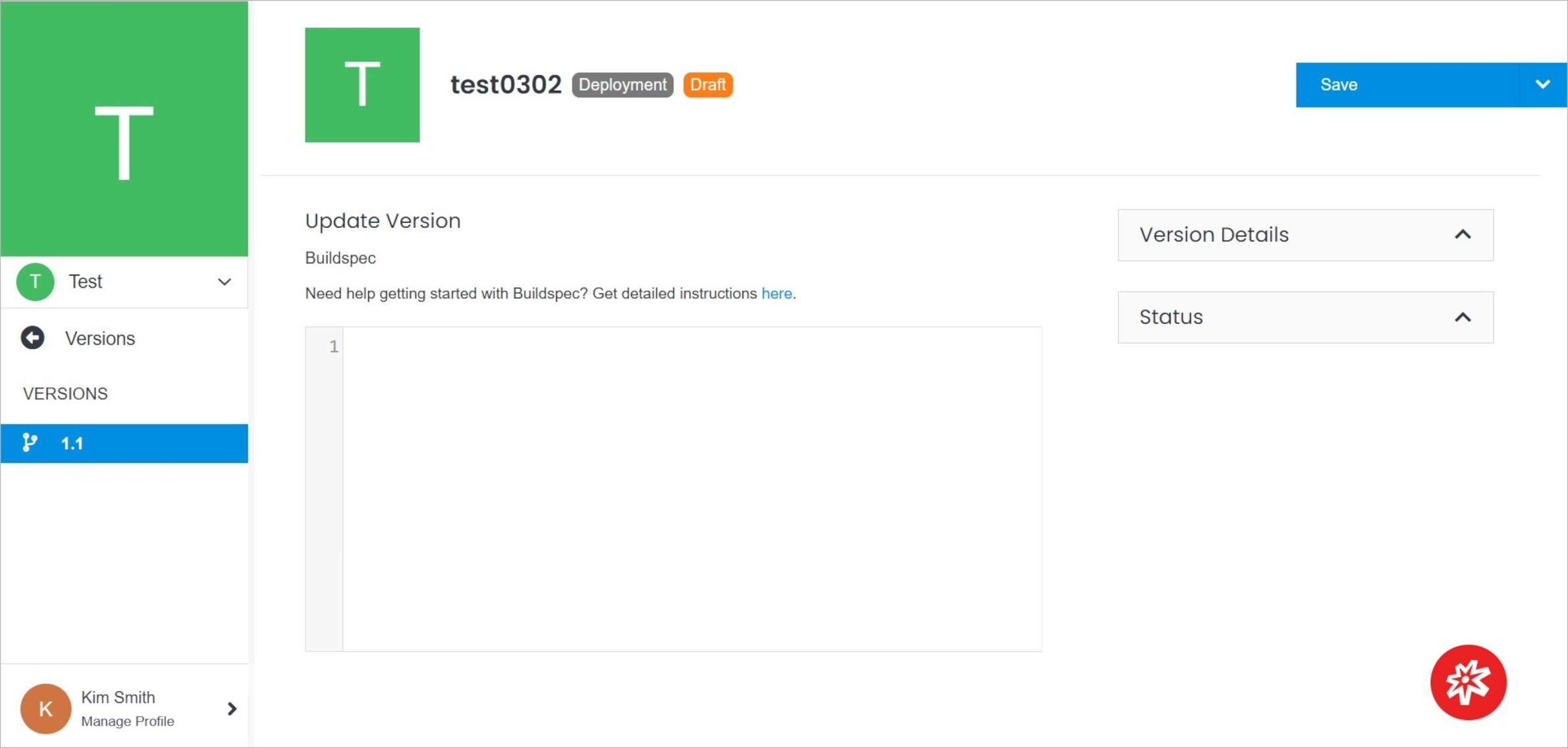 **Name** | **Description**
:--- | ---
Update Version| Update your version.
Version Details | Manage your version details.
Status | Manage your version status.
Delete | Delete the version.
## Update Version
Update your version.
**Name** | **Description**
:--- | ---
Update Version| Update your version.
Version Details | Manage your version details.
Status | Manage your version status.
Delete | Delete the version.
## Update Version
Update your version.
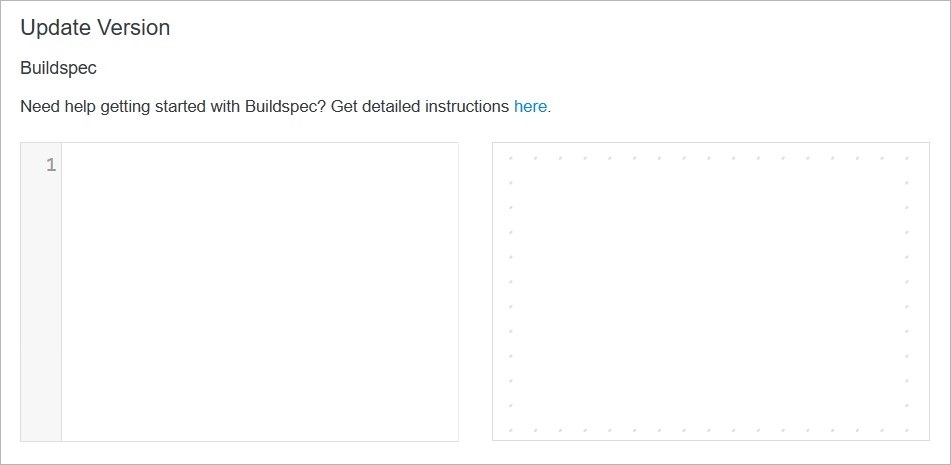 **Name** | **Description**
:--- | ---
Enter the code | Update your version with Buildspec.
## Version Details
**Name** | **Description**
:--- | ---
Enter the code | Update your version with Buildspec.
## Version Details
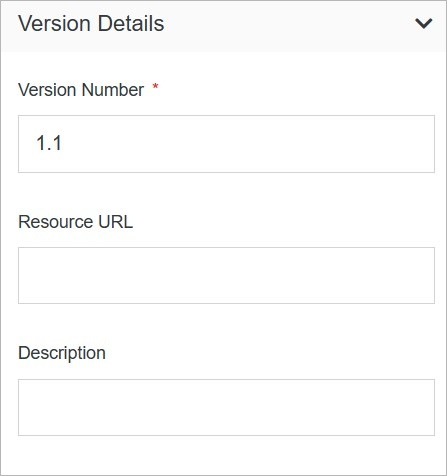 **Name** | **Description**
:--- | ---
Version Number | Enter the version number.
Resource URL | Enter the resource URL.
Description | Enter the description.
## Status
**Name** | **Description**
:--- | ---
Version Number | Enter the version number.
Resource URL | Enter the resource URL.
Description | Enter the description.
## Status
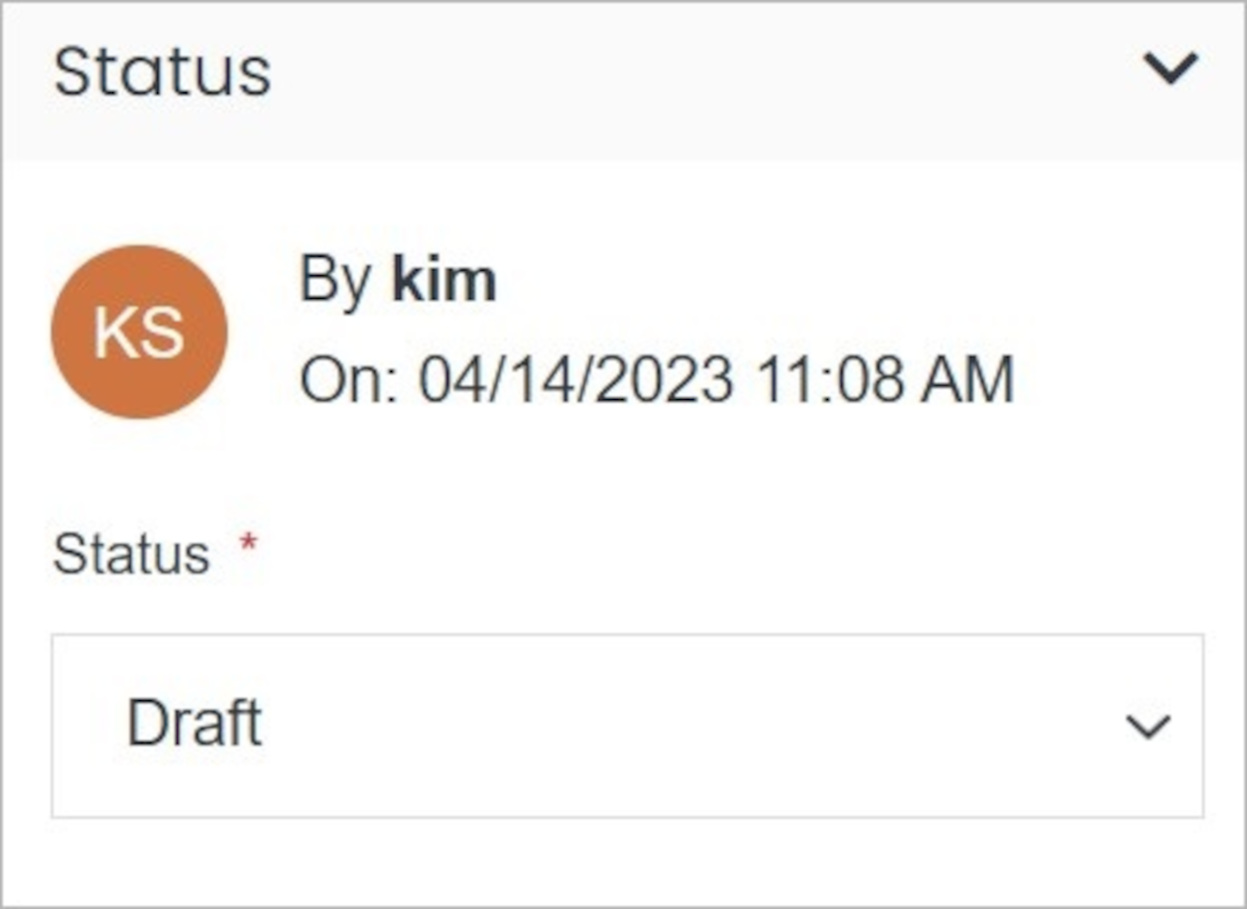 **Name** | **Description**
:--- | ---
Choose Status | Choose the item status.
!!!Note:
You can choose from three status types:
- **Publish**
- **Preview**
- **Draft**
!!!
## Confirm
Once you have completed all the fields, click **Save** to apply your changes.
**Name** | **Description**
:--- | ---
Choose Status | Choose the item status.
!!!Note:
You can choose from three status types:
- **Publish**
- **Preview**
- **Draft**
!!!
## Confirm
Once you have completed all the fields, click **Save** to apply your changes.