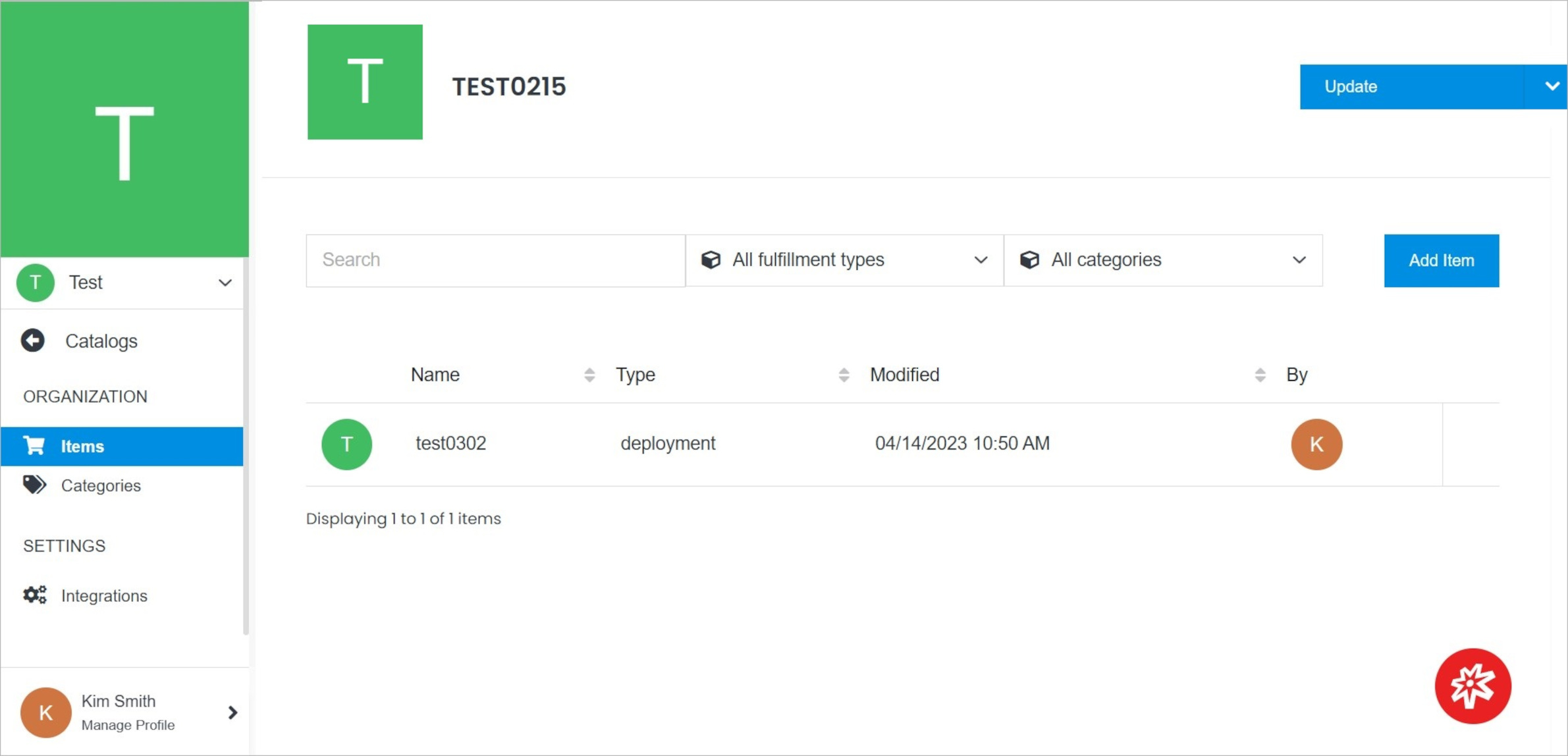
 **Name** | **Description**
:--- | ---
Add Item | Add the new item to your catalog
Item Overview | Click the item in your catalog to open it.
Integrations | Go to the Integrations page.
Categories | Go to the Categories page.
Update | Edit catalog settings, delete the catalog.
Permissions | Manage your permissions.
**Name** | **Description**
:--- | ---
Add Item | Add the new item to your catalog
Item Overview | Click the item in your catalog to open it.
Integrations | Go to the Integrations page.
Categories | Go to the Categories page.
Update | Edit catalog settings, delete the catalog.
Permissions | Manage your permissions.