# Update Domain
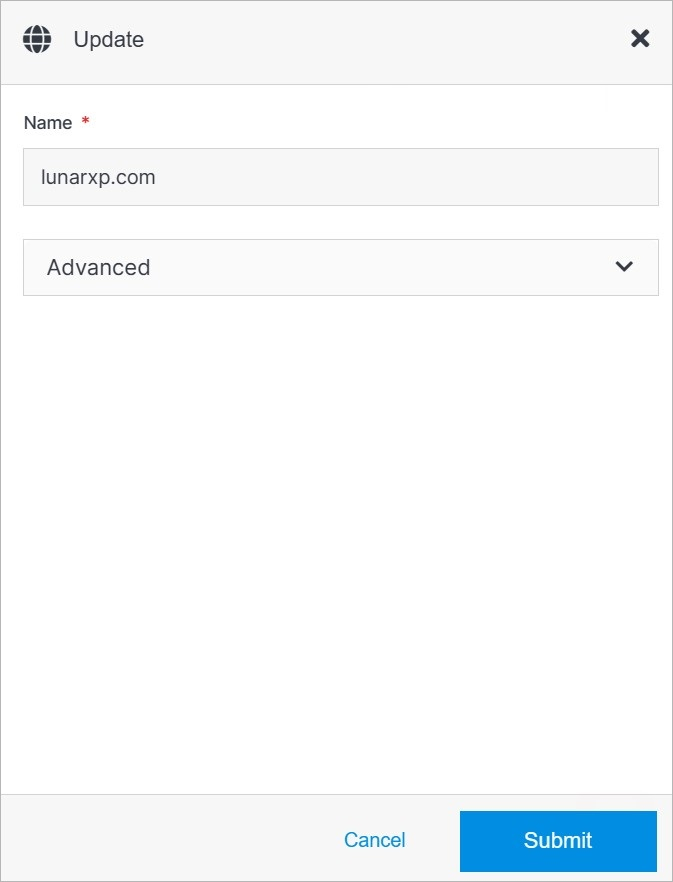
Update domain details or delete a domain from your Solodev Cloud by clicking the **Update** button on the Domain Overview page.
 ## Advanced
Under the Advanced dropdown, you can execute advanced operations such as deleting a domain.
## Advanced
Under the Advanced dropdown, you can execute advanced operations such as deleting a domain.
 **Name** | **Description**
:--- | ---
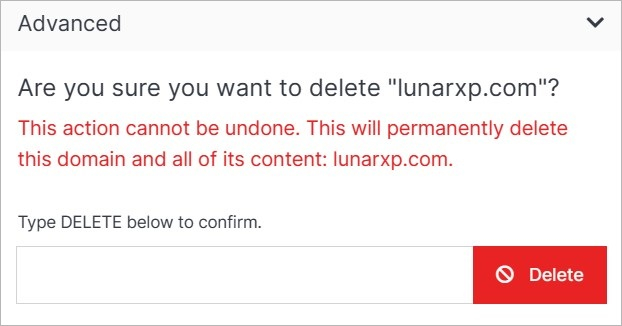
Delete | To remove your domain, type **DELETE** in all caps into the field and click the red Delete button.
!!! Note:
Deleting a domain will permanently remove the domain and all of its content and cannot be undone.
!!!
## Confirm
Once you have completed all the fields, click **Submit** to apply your changes.
**Name** | **Description**
:--- | ---
Delete | To remove your domain, type **DELETE** in all caps into the field and click the red Delete button.
!!! Note:
Deleting a domain will permanently remove the domain and all of its content and cannot be undone.
!!!
## Confirm
Once you have completed all the fields, click **Submit** to apply your changes.