# Container Overview
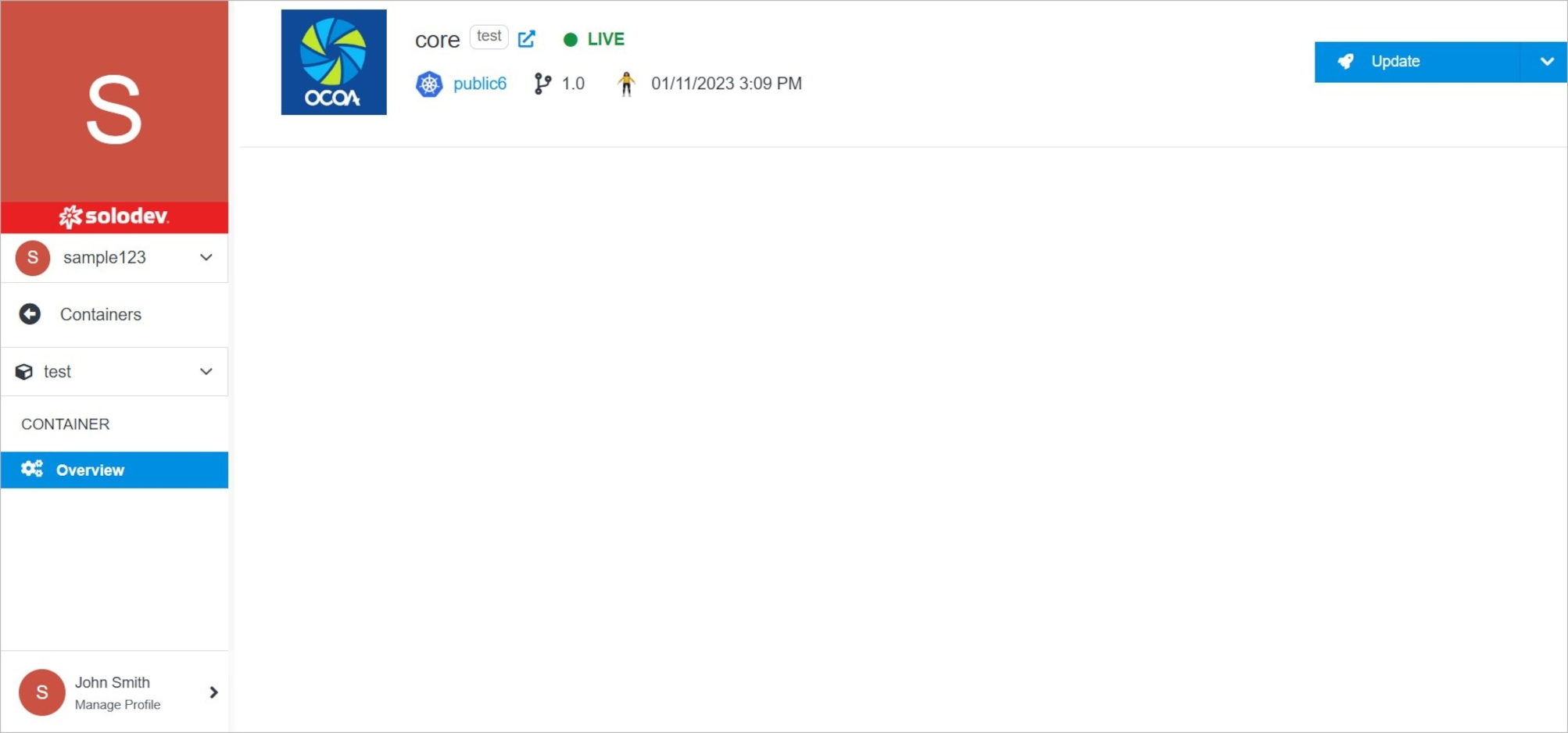
The Container Overview page provides you with the ability to manage your containers. Update details, modify permissions for members, or upgrade your container version.
 !!!Note:
The specificity of each product is different, therefore the options that are available after opening the container card differ. Universal options that appear for almost every container are **Update**, **Permissions**, and **Upgrade**.
!!!
**Name** | **Description**
:--- | ---
Update | Edit container settings, delete the container.
Upgrade | Upgrade your container version.
Permissions | Manage your permissions.
!!!Note:
The specificity of each product is different, therefore the options that are available after opening the container card differ. Universal options that appear for almost every container are **Update**, **Permissions**, and **Upgrade**.
!!!
**Name** | **Description**
:--- | ---
Update | Edit container settings, delete the container.
Upgrade | Upgrade your container version.
Permissions | Manage your permissions.