# Groups Overview
Access a specific group in your Solodev Cloud to view all its members, add or delete members, and manage permissions at the group level.
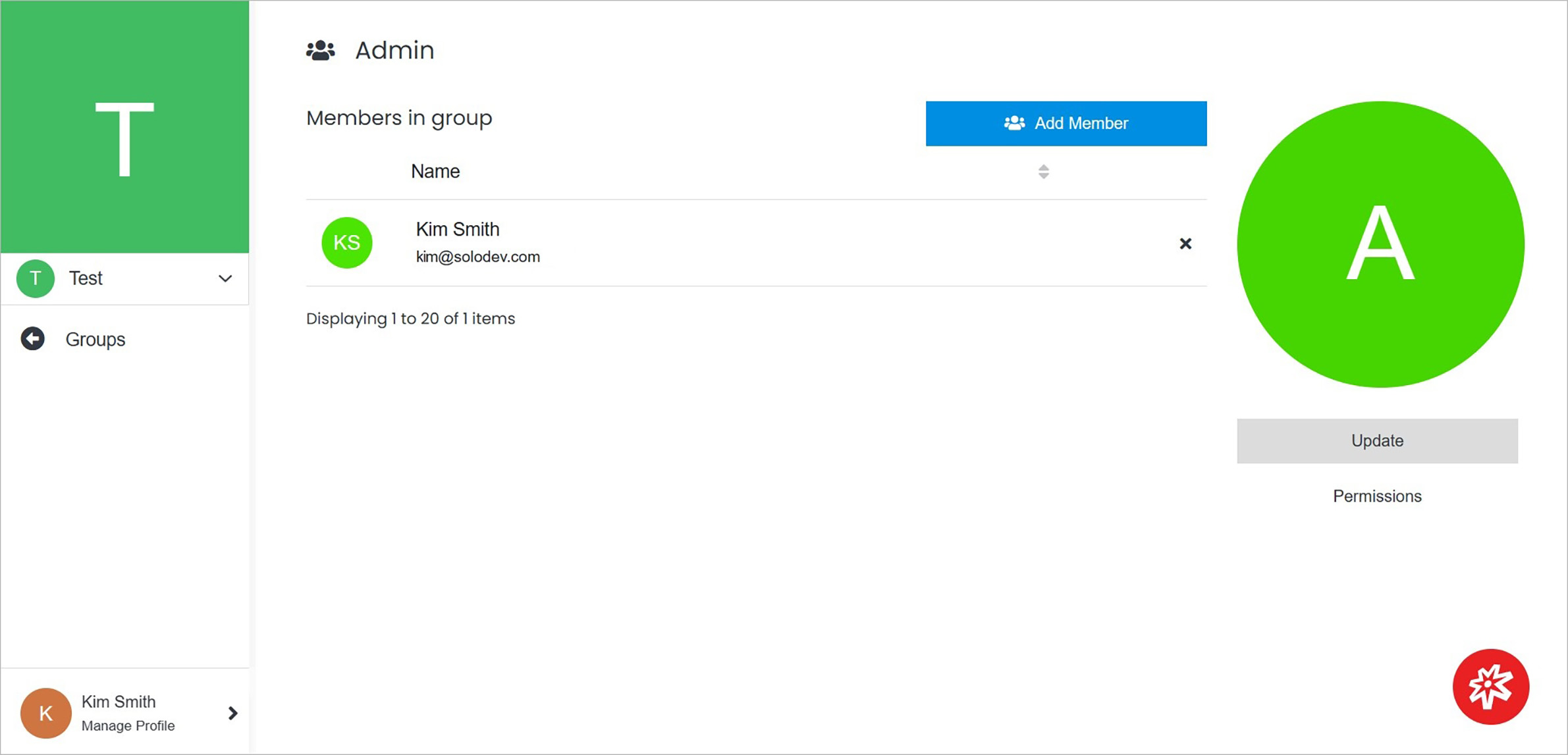 **Name** | **Description**
:--- | ---
Add Member | Add the new member to the group.
Update | Update the group’s details including name, and description, or delete the group.
Permissions | Manage group roles in your Solodev Cloud.
Delete | Remove the member from the group by clicking the **"x"** to the right of the user’s name.
!!!Tip:
If you remove the member from the group, you can always add them again later.
!!!
**Name** | **Description**
:--- | ---
Add Member | Add the new member to the group.
Update | Update the group’s details including name, and description, or delete the group.
Permissions | Manage group roles in your Solodev Cloud.
Delete | Remove the member from the group by clicking the **"x"** to the right of the user’s name.
!!!Tip:
If you remove the member from the group, you can always add them again later.
!!!